2023/03/22
Multiple Genders
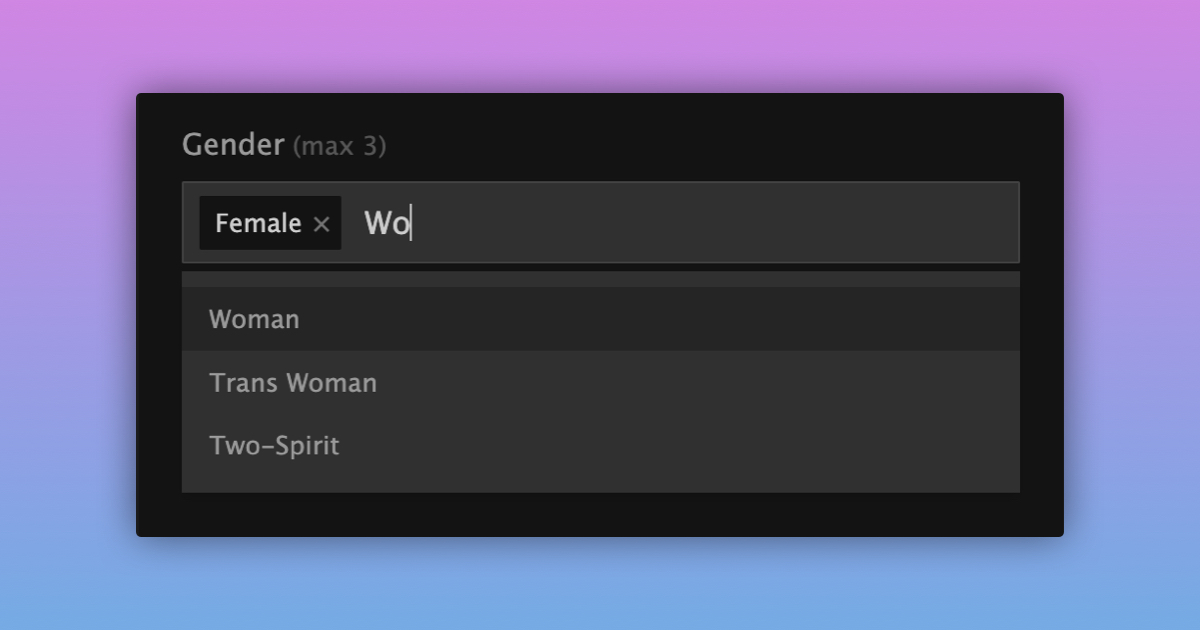
Customize your profile by adding up to three genders! Your identity is unique. We’re happy to expand how you can express your true self to the community.
You can easily include multiple genders on your profile by:
- Navigating to your Profile Settings
- Clicking the “Gender” form field to open up the dropdown menu
- Selecting the gender you want to add to your profile
- Dragging and drop them in the order that fits you best
- Clicking on the "Update Profile" button at the bottom
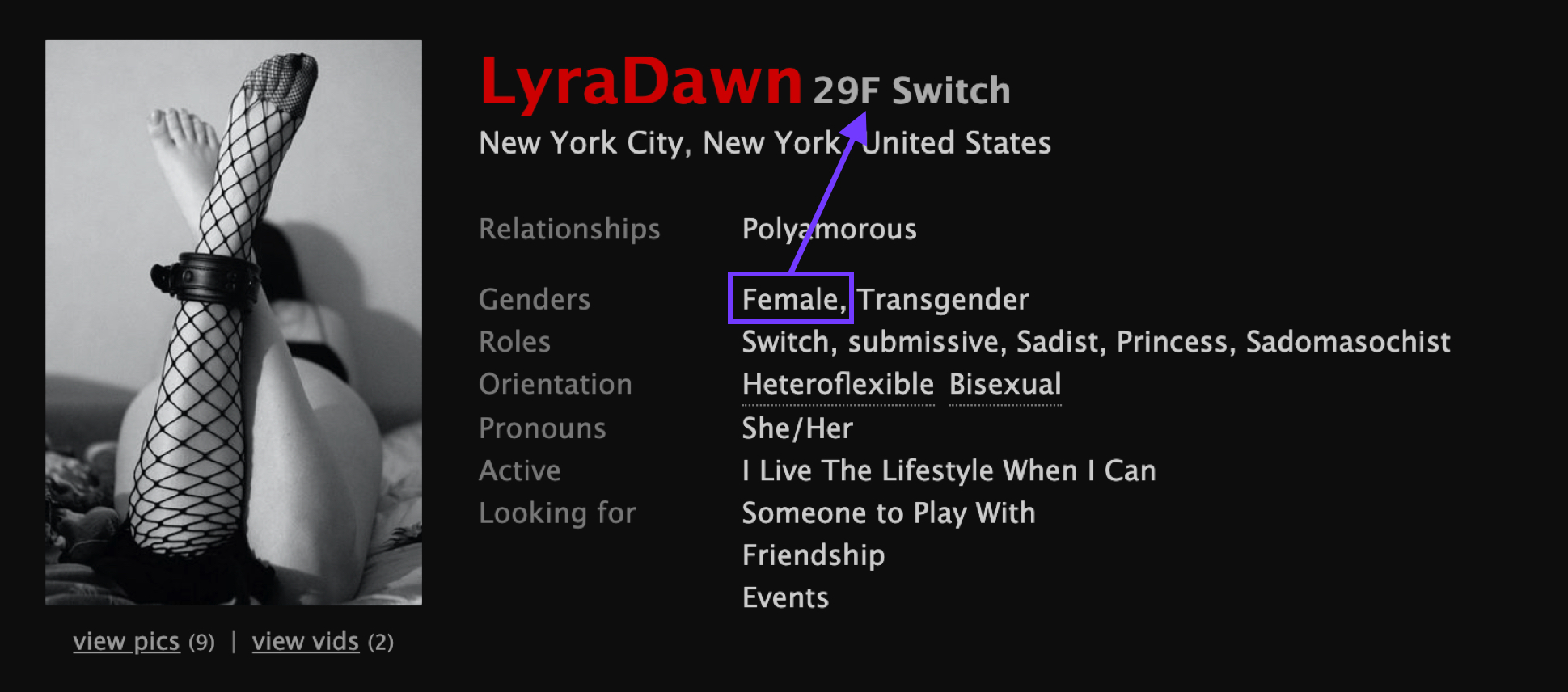
Keep in mind that the gender listed first will be the one displayed next to your age when people view your profile.
E.g. If you select "Female, Transgender", the header of your profile will look something like this: Nickname 37F.
We love that our community is so diverse and we’re excited to help you show the world your authentic self.