2023/03/23
Adding Pronouns to your Profile
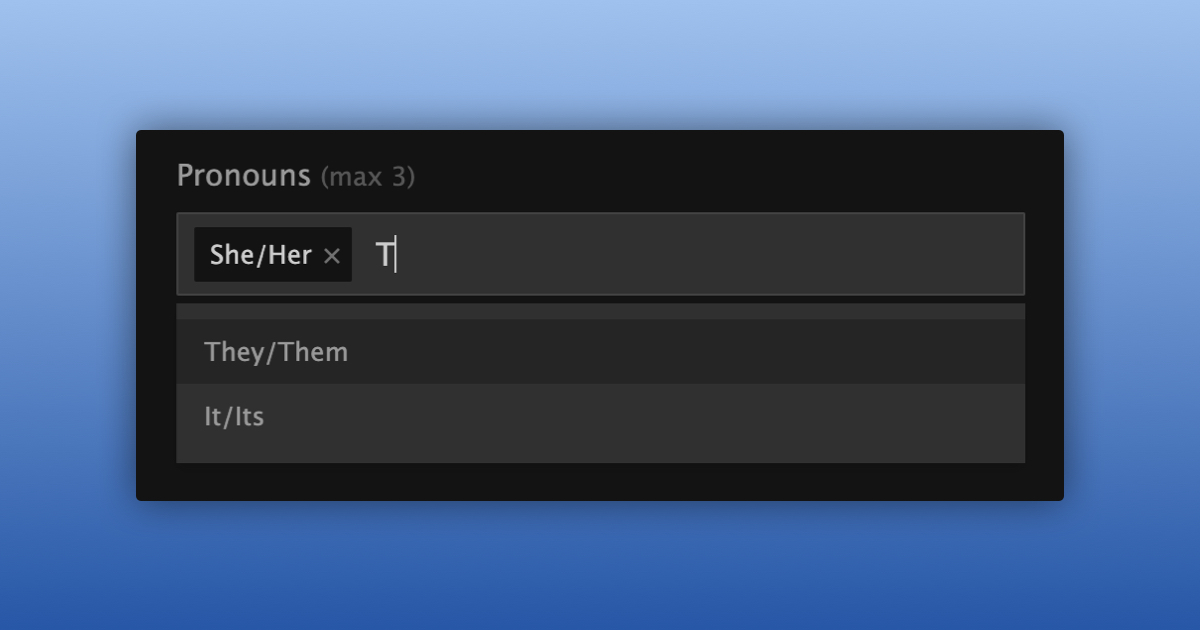
Let everyone know what you’d like to be called by adding up to 3 sets of pronouns to your profile! It will only be shown on your profile for now. We’re excited to give you more ways to communicate who you are to the world.
Easily add or edit your pronouns(s) by:
- Navigating to your Profile Settings
- Tap or click on your pronouns from the “Pronouns” menu
- Organize them by dragging each one into the order that works best for you
- Click on the “Update Profile“ button at the bottom