2023/05/05
Introducing Organization Profiles
We are excited to announce that we've added the ability to convert your personal profile into an organization profile. This allows you to present your profile to the community as an organization.
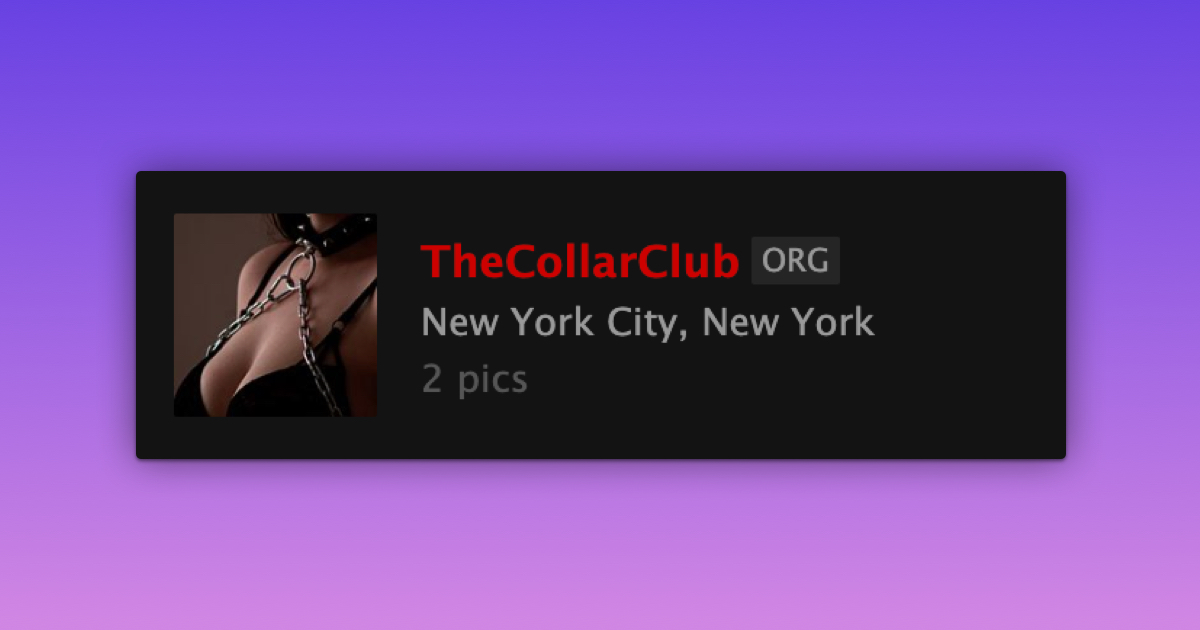
An organization profile will display an "ORG" label next to the nickname and will remove personal details such as age, gender, role, orientation, and fetishes from the profile. All other profile functionalities remain unchanged.
To convert your personal profile to an organization profile, please:
- Go to your Account Settings
- Select "Convert to Organization" (located next to “Account Type”)
- Review the information on the confirmation page
- Confirm the conversion
We value your feedback and would like to hear from you. Let us know what you think!
We encourage you to keep an eye on our "What's New" page for updates!