2023/06/22
Adding a Private Note to a Profile
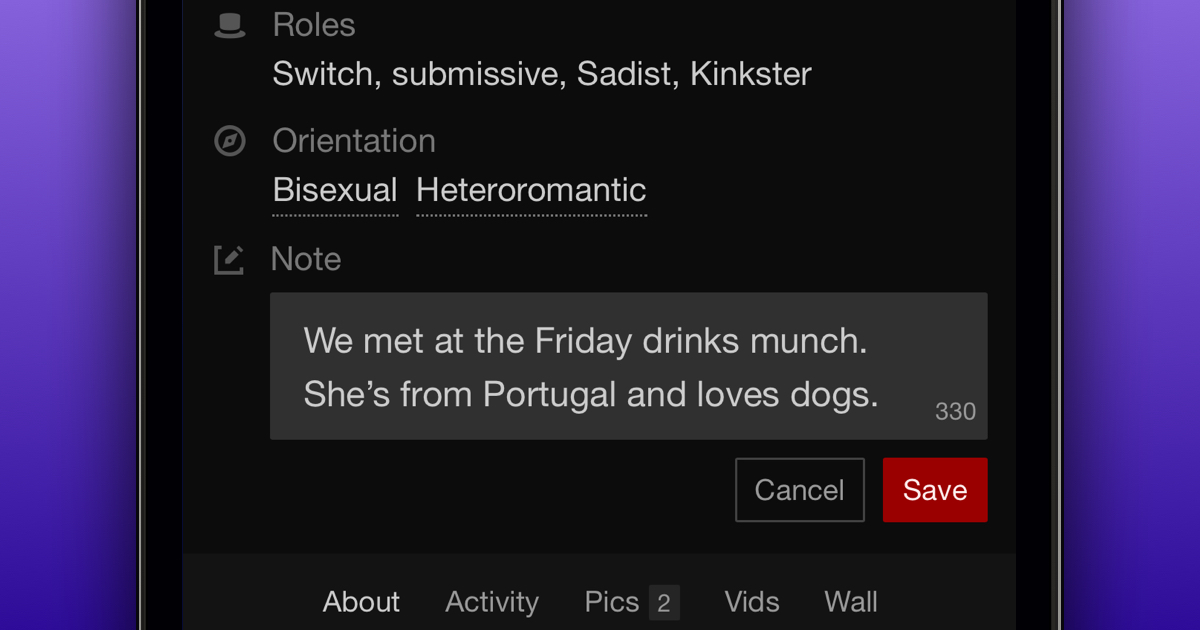
We’re excited to announce that we’ve added the ability to add a Private Note to another member’s profile! This feature will make it easier for you to remember things like how you met the person, friends you might have in common, etc.
IMPORTANT: Private Notes will only be visible to you.
To add or edit a Private Note on someone's profile:
- Go to the profile of the member you want to add a note to
- Click on "Add Note" or "Edit" below profile details like role, sexual orientation, etc.
- Type in your note (the character limit is 400)
- Save your note
Pro Tip: You can delete a note by removing the note completely and saving it.
We hope Private Notes makes it easier to remember things about other members that are important to you.