2023/07/25
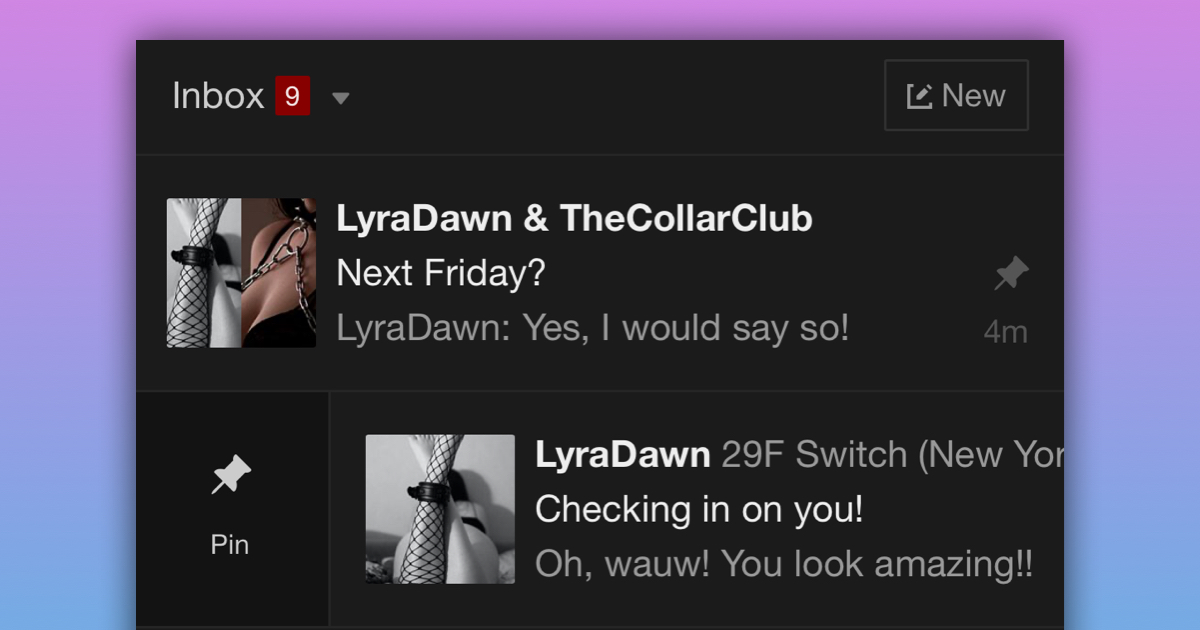
Pin Conversations in your Inbox
We’re happy to announce that you can now pin conversations to the top of your inbox so you can easily access them.
This will make it easier to manage your inbox because you won’t need to search for the conversations that are most important to you.
On your mobile device, just follow these simple steps to pin a conversation:
- Go to your inbox
- Find the conversation you want to pin
- Swipe the conversation from left to right
- Tap on the pin icon
On desktop, just follow these simple steps to pin a conversation:
- Go to your inbox
- Find the conversation you want to pin
- Hover over the conversion
- Click the pin icon
Unpinning conversations is just as easy. Follow the same steps, and you'll see the option to "Unpin" the conversation.
We hope that this update will help you to stay organized by having your important conversations at the top of your inbox.