2023/11/10
Photo Album Covers
We are excited to announce that you can now select which picture from your Album should be used as the Album cover.
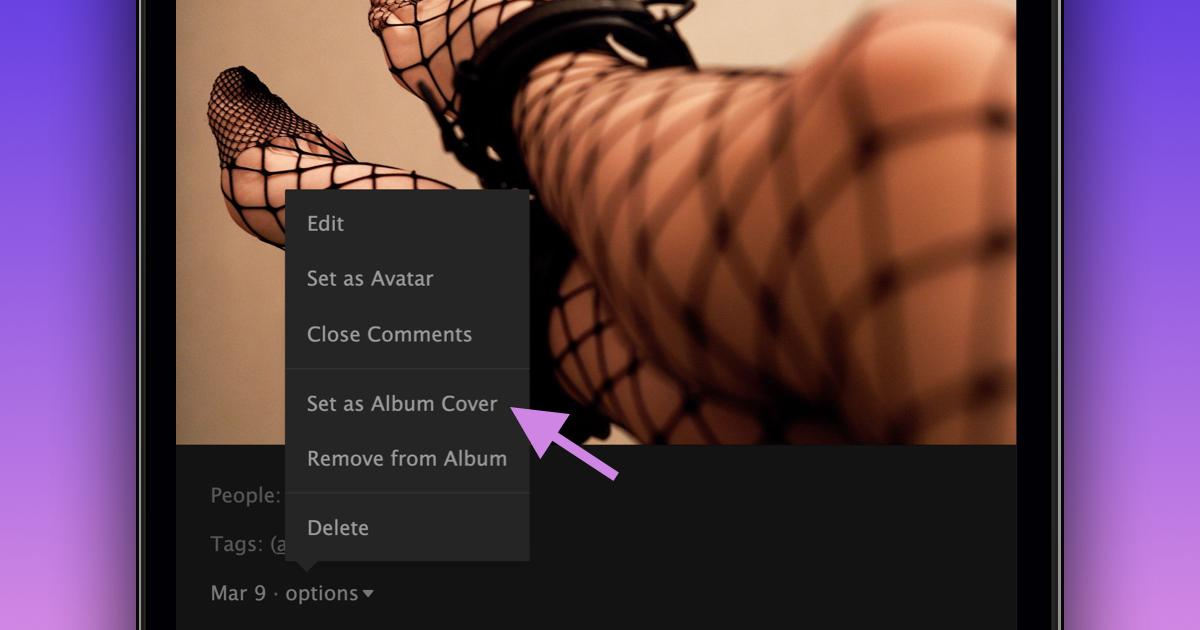
You can select the picture to be used as your Album cover by following these steps:
- Navigate to the album
- Open the picture you’d like to use as the album cover
- Select “options”
- Select “Set as Album Cover”
In addition to the ability to customize your Album cover, the following improvements have also been made to albums over the past two weeks:
- Albums can now be created directly from the “+” dropdown menu
- When viewing a picture from an album, we now display the album name in the header
- Albums displayed in the activity feed will not show a picture that uses a tag you’ve muted
- The album edit page has been moved to a pop-up to make it easier to edit your Album
- FetLife URLs are now supported in Album descriptions
We are happy to give you more ways to customize your Photo Albums.