2023/11/13
Event Cover Photos
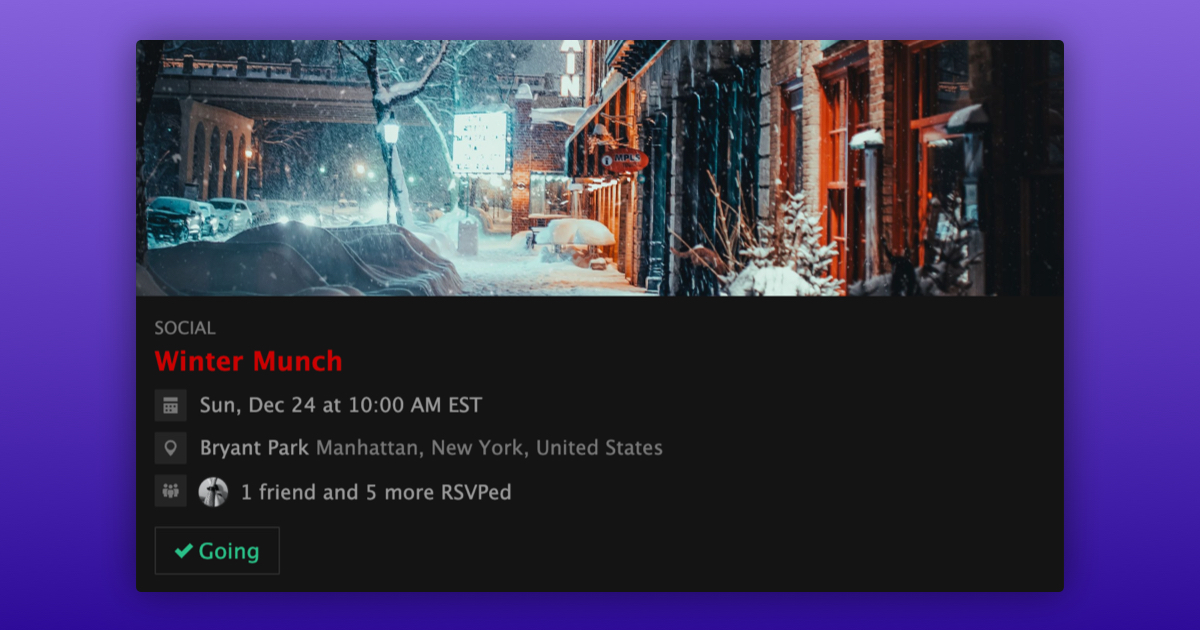
We are very excited to announce that you can now add a cover photo to your events.
Your event's cover photo serves as the first impression and sets the mood for what's to come.
You can upload a cover photo during the initial event creation, or you can add a cover photo to an existing event by following these steps:
- Navigate to the event you want to add a cover photo to
- Select “General” under “Settings”
- Upload a cover photo
- Crop the cover photo
- Select “Update Event”
We’re happy to provide event organizers with new ways to give people a better feel for their events!