2023/11/16
Multi-Picture Editing for Photo Albums
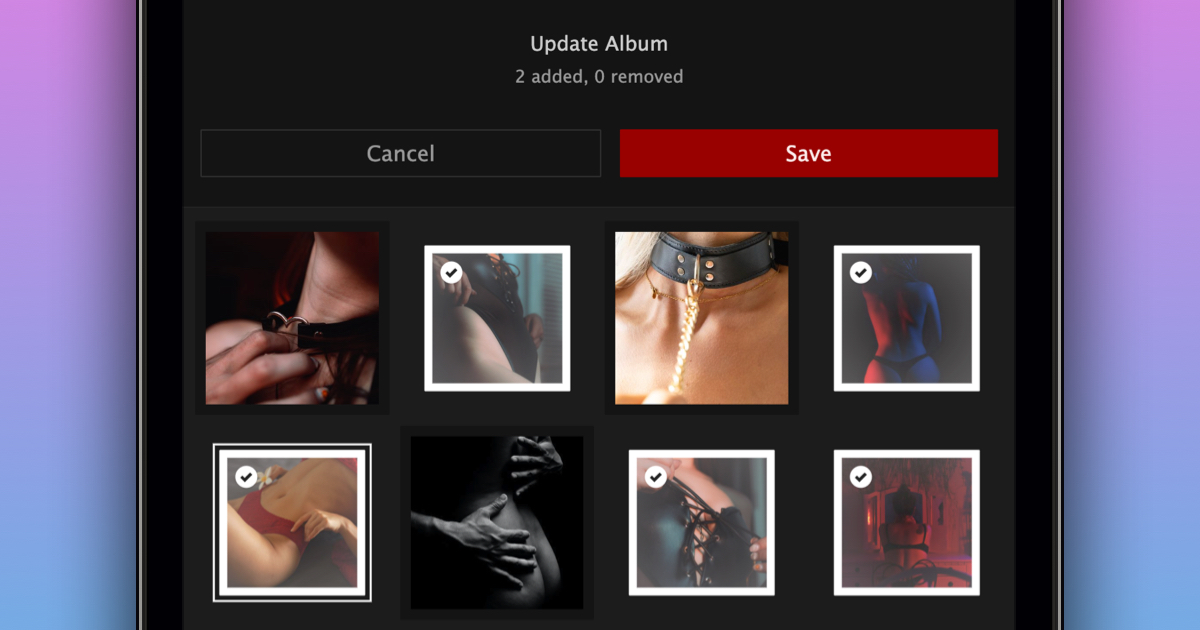
We are excited to announce that you can now add and remove multiple pictures at a time to and from your albums.
You can edit your album by following these steps:
- Navigate to the album you want to update
- Click “+ Add Pictures”
- Select the pictures you want to add and deselect the pictures you want to remove
- Click “Save”
In addition to the ability to add and remove multiple pictures at a time, the following improvements have also been made to albums:
- The mention auto-complete now works in album descriptions
- You can now export albums using our data export tool
We’re very happy to make it easier for you to update your albums.