2023/11/30
Add Videos to Photo Albums
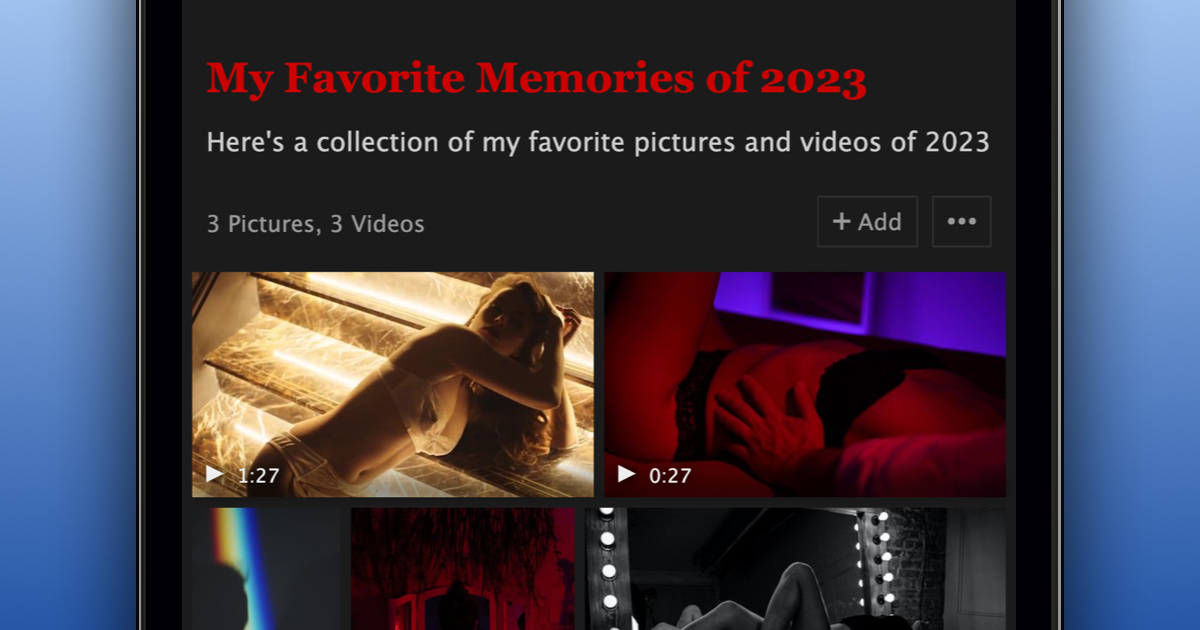
We’re excited to announce the new feature that allows you to add videos to your Photo Albums. Here's how you can enhance your Albums with videos:
To add a video to an existing Album:
- Locate the video you wish to add
- Click “Options” below the video
- Choose “Add to Album”
- Select the desired album(s) for the video
- Click “Add to Album”
To add multiple videos to an Album:
- Navigate to the intended album
- Click “+ Add” at the top right of the album page
- Switch to the “Videos” tab
- Choose the videos you'd like to include
- Click “Save” to add them to your album
Additionally, when creating a new Album, you can now include videos right from the start.
We believe this new feature will give you greater creative freedom. By blending videos and photos in your Albums, you can tell your stories more completely.