2024/03/12
Writing Collections
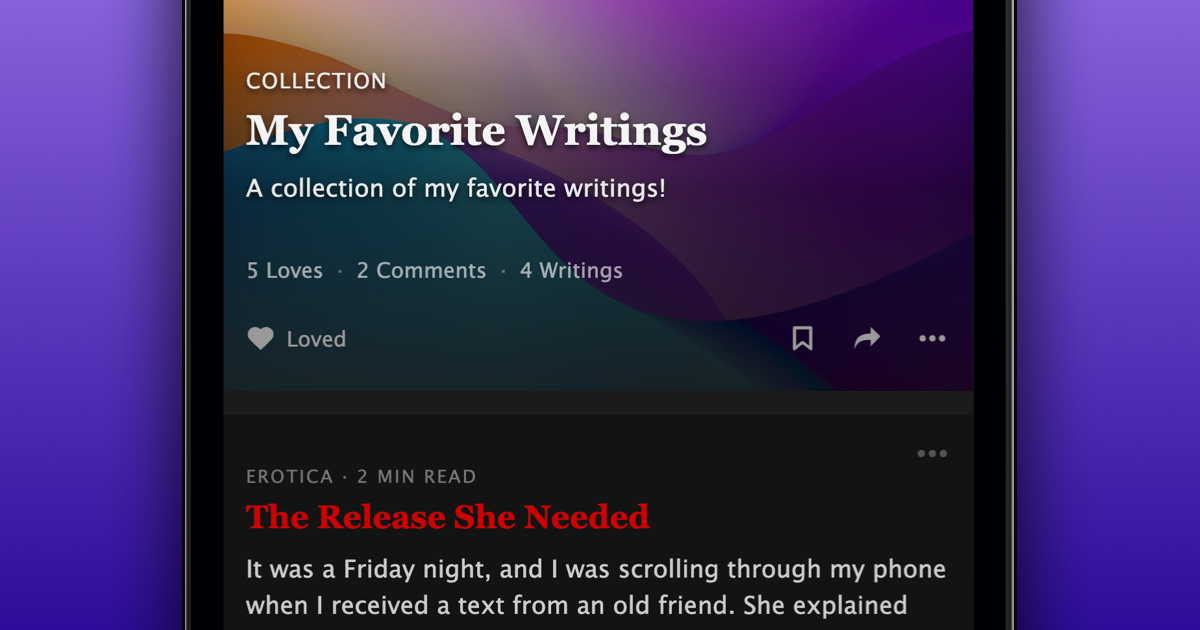
We’re excited to announce that you can now organize your writings into Collections.
To create a Collection:
- Navigate to the “Writings” tab on your profile
- Press “Create Writing Collection”
- Enter a Title and Description for your Collection
- Press “Create Collection”
- Select the writings you want to add to your Collection
- Press “Add to Collection”
- Choose an optional cover image
- Press “Set Cover Image”
Like Photo Albums, you can easily:
- Re-order writings in your Collection
- Add to and remove writings from your Collection
- Update your cover image
- Love, comment on, and bookmark Collections
Everyone can create up to three Collections, while supporters can create an unlimited number of Collections.
We’re very happy to give you more ways to organize and showcase your writings!