2024/03/14
Feed Filters
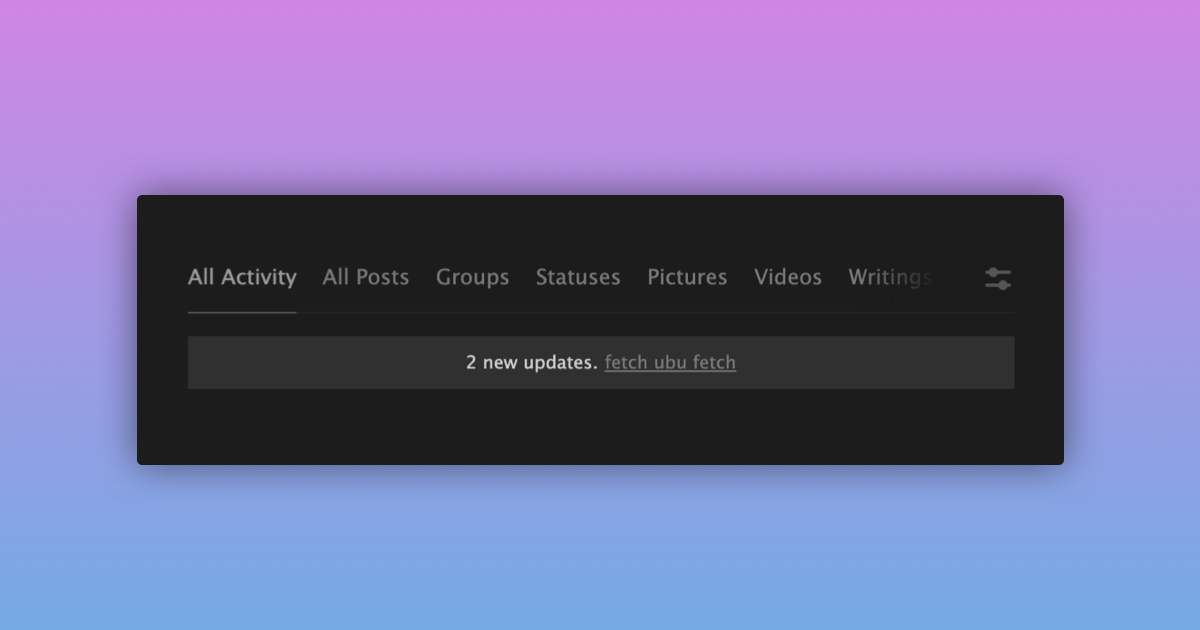
We’re excited to announce that we’ve now made the filters on the activity and profile feeds more easily accessible.
To access the filters on the activity feed from your mobile:
- Navigate to the activity feed
- Press any of the filters (e.g. “All Posts”, “Statuses”, etc.) found at the top of the feed
To access the filters on the activity feed from your desktop:
- Navigate to the activity feed
- Click any of the filters (e.g. “All Posts”, “Statuses”, etc.) found on the left side of the activity feed
To access the filters on a profile feed from your mobile or desktop:
- Navigate to a profile activity feed e.g. JohnBaku’s profile feed
- Press any of the filters (e.g. “All Posts”, “Statuses”, etc.) found at the top of the feed
We’re happy to make it easier to filter both the activity and profile feeds.