2024/06/13
Audio Clips
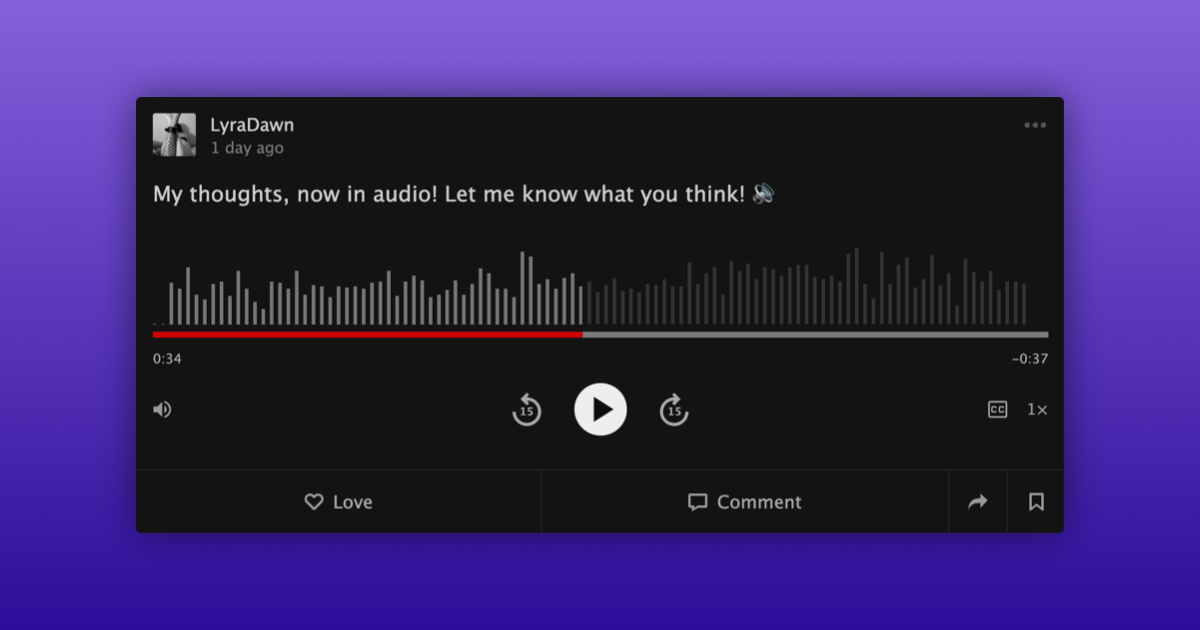
We are very excited to announce a new feature that lets you embed an audio clip in a status update.
To embed an audio clip in a status update:
- Write a status update from your activity feed
- Select “Add Audio”
- Choose “Record Audio” or “Upload Audio”
- Once audio has been added, review the consent checkbox
- Tap “Say it”
Audio clips that contain spoken word will include a transcript giving you the preview of the clip without having to listen to it. To view a transcript tap the CC icon.
To listen to an audio clip, simply press the “Play” button.
We are really happy to give you more ways to express yourself and are looking forward to seeing the creative ways people will use this new feature.
P.S. We currently support audio clips up to 6 hours in length or 250 MB in size.