2024/07/02
Profile Event RSVP Privacy
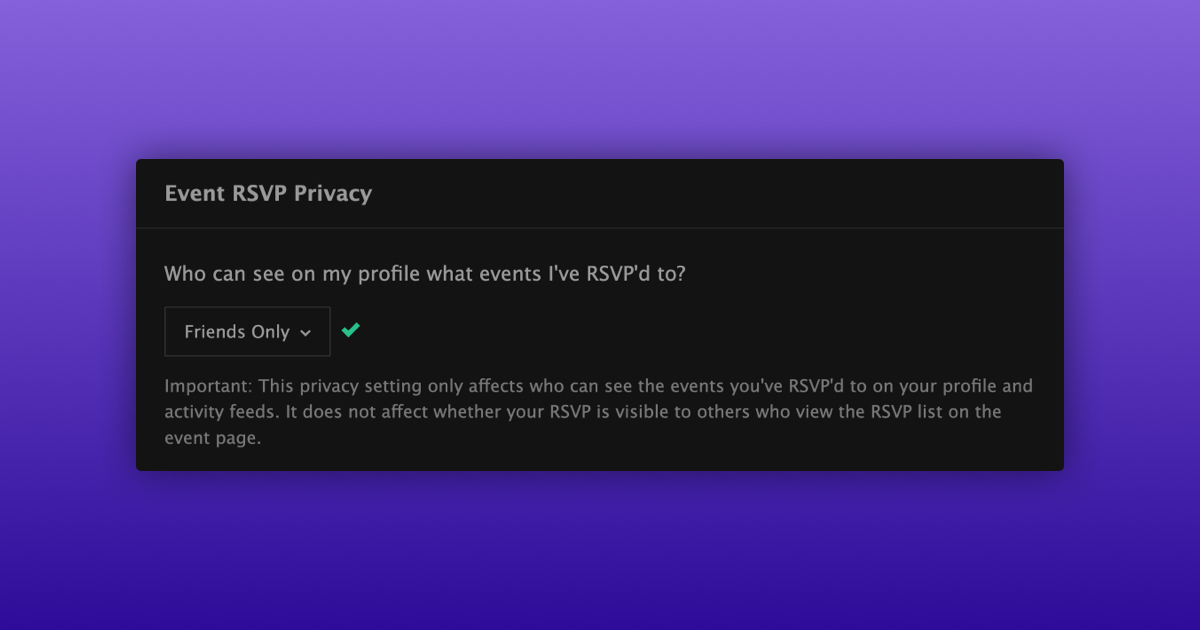
We’re excited to announce a new privacy setting that allows you to choose who can see the events you've RSVP'd to on your profile.
You can now customize your event RSVP privacy with the following options:
- All FetLifers
- Friends, Followers, and People I Follow
- Friends and People I Follow
- Friends Only
- Only Me
How to Update Your Event RSVP Privacy:
- Navigate to your privacy settings
- Scroll down to “Event RSVP Privacy”
- Select who you want to be able to see the events you RSVP to
Important Note:
This setting only affects who can see the events you’ve RSVP’d to on your profile and in the activity feed. It does not change who can see the RSVP list on the event listing itself, ensuring that attendees can still make informed decisions about event participation.
We’re happy to provide you with more ways to control your privacy.