2024/08/01
Add Audio to Writings
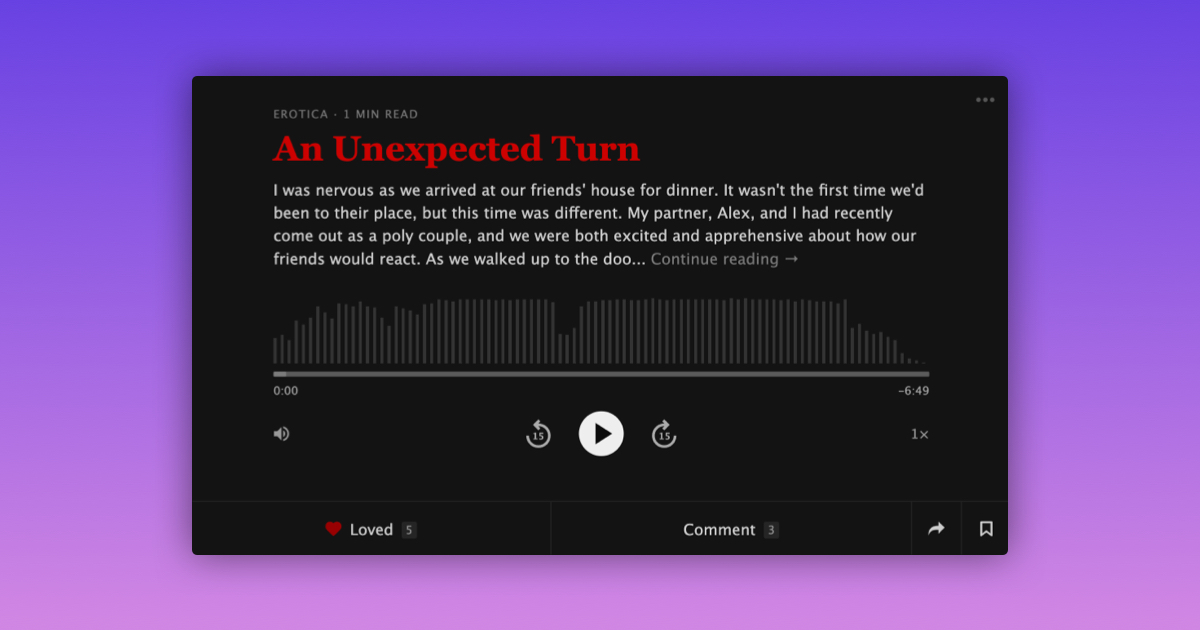
We’re excited to announce the ability to include audio with any of your writings.
To embed an audio clip in a writing:
- Start a new writing
- Add a title and body to your writing
- Select “Record Audio” or “Upload Audio File”
- After adding audio, review the consent checkbox
- Tap “Express Yourself”
You can also edit any of your previous writings and record or upload audio to be included with them.
Whenever you come across a writing with audio, the clip will appear at the bottom of the post.
We are really happy to give you more ways to express yourself through both the written and spoken word.
Stay kinky, my friends!