2024/10/01
Pre-Moderate Group Discussions with Links
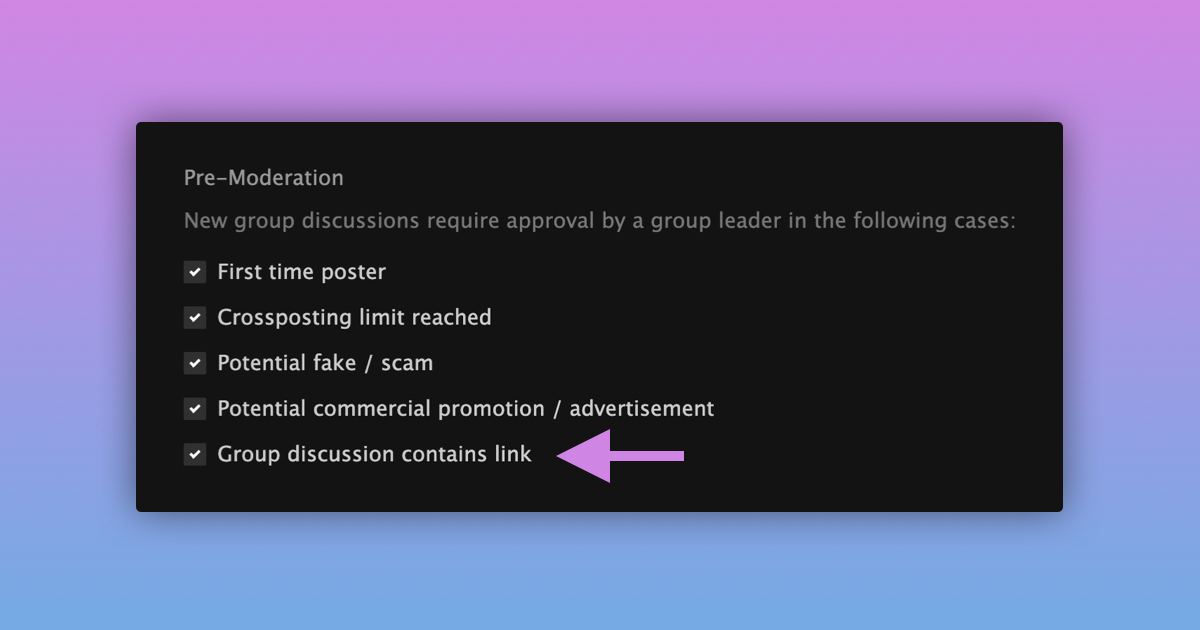
We’re excited to introduce a new feature that allows group leaders to pre-moderate group discussions containing links.
Here’s how to enable the setting:
- Navigate to a group you lead
- Open the “Admin” tab and go to “Settings”
- Check the box for “Group discussion contains link”
Once enabled, any new discussion containing a link will need to be approved before it’s posted in your group.
As a group leader, you can review these pending discussions in the “Pending Posts” section of your group’s “Admin” tab.
We’re happy to give group leaders more tools to help moderate their groups.