2025/02/05
Private Events
We are excited to announce that event organizers can now create private events.
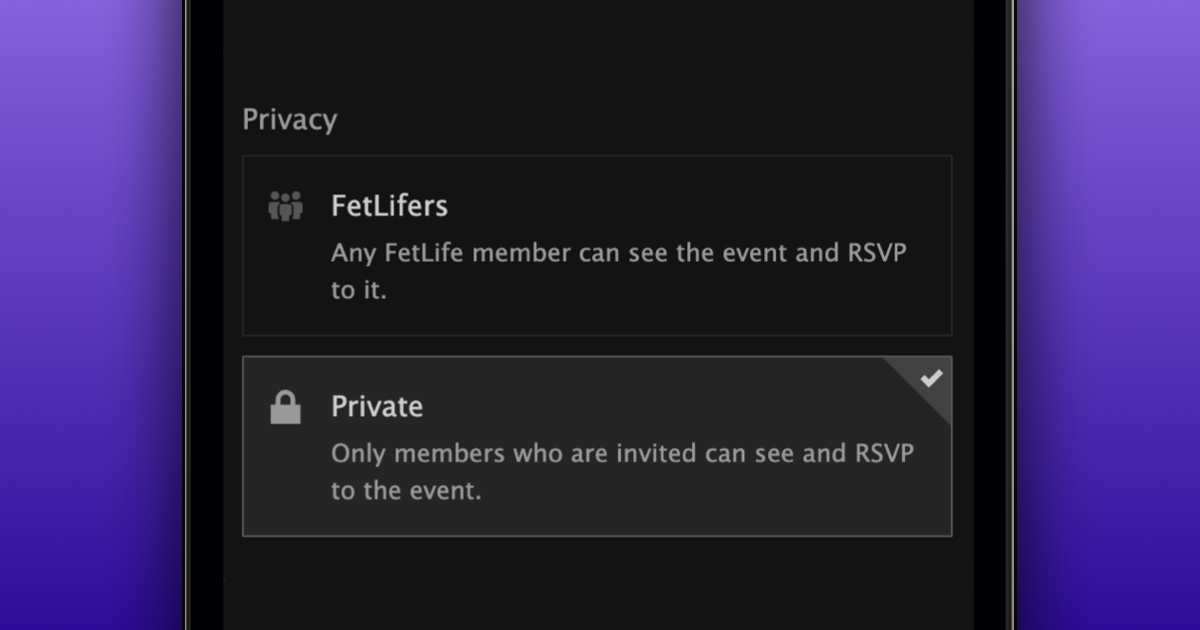
Unlike other types of events, private events are only visible to people who are invited. To create a private event:
- Navigate to the event creation page
- Add info about your event
- In the Privacy section, choose “Private”
- Press “Create your Event”
We hope this update makes it easier for you to organize private events.
Note: The privacy of an event can’t be changed once it is created.