2025/04/10
Group Locations
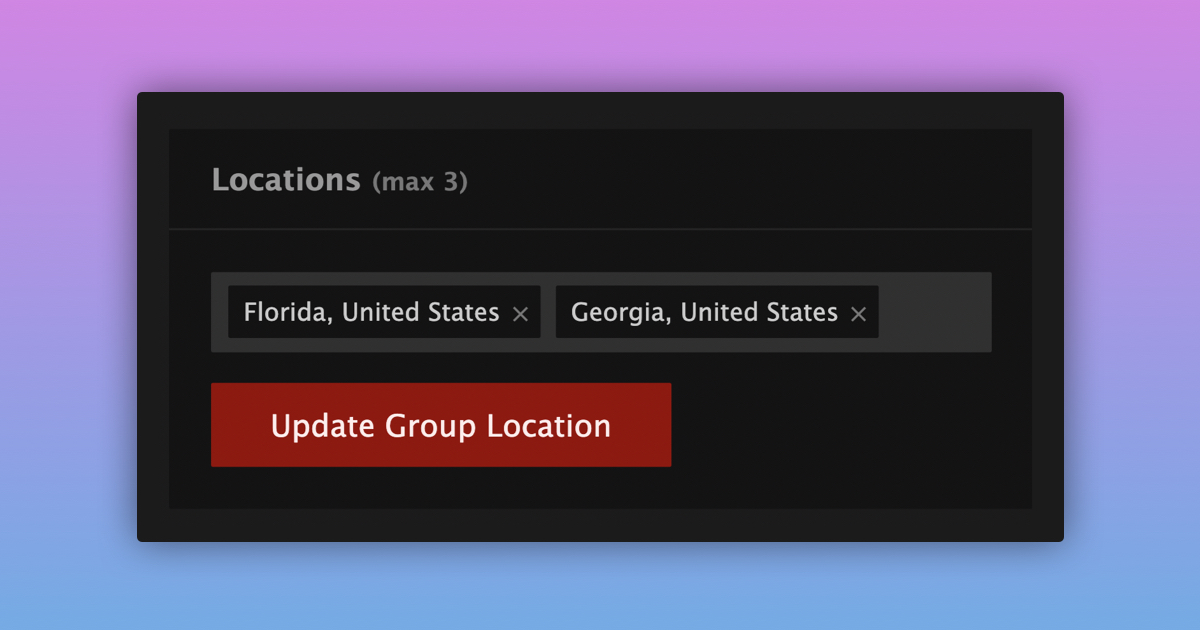
We are are excited to announce that group owners can now add one or more locations to their group.
Group locations make it easier for members to find your group when they search by location, especially if your group is active in multiple areas.
To add a group location:
- Navigate to your group’s settings
- Scroll down to the “Location” section
- Add up to three locations in the input field
- Select “Update Group Location”
The group’s locations will be visible on the “About & Rules” page.