2025/05/15
Upload Multiple Pictures at Once
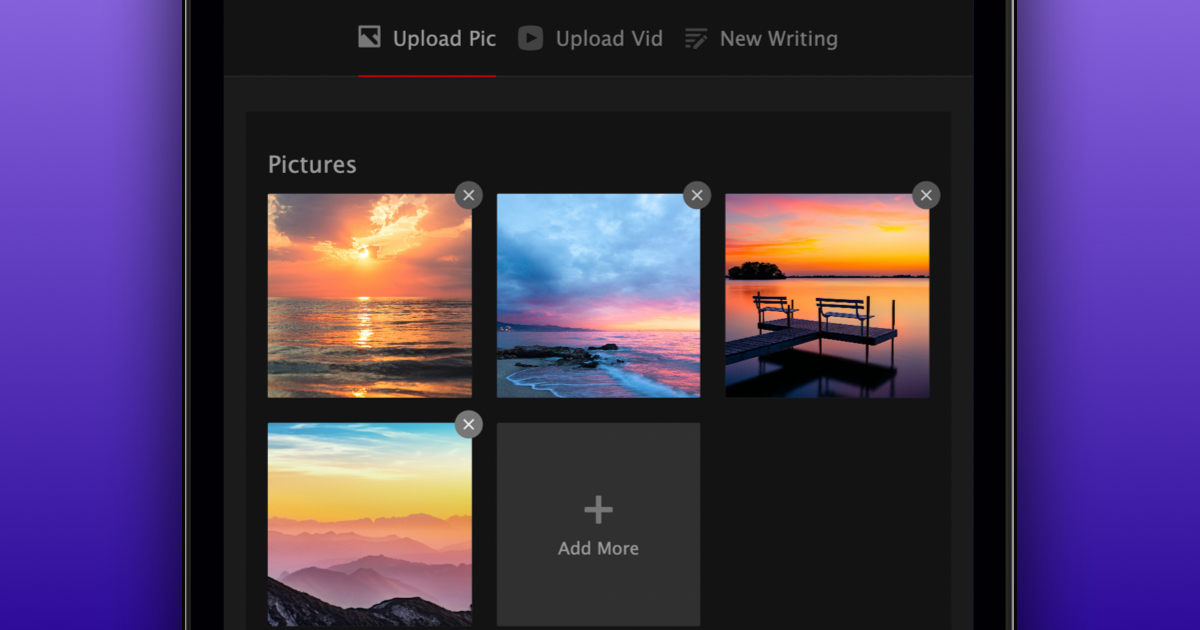
We’re very excited to announce that you can now upload up to ten pictures at the same time.
To upload multiple pictures at once:
- Press the “+” in the top navigation bar
- Choose “Upload Picture”
- Click “Choose File”
- Select up to 10 pictures
- Add optional caption, tags, and people
- Confirm that you have consent to upload the pictures
- Select “Upload Your Pictures”
When you upload multiple pictures, they’ll automatically be grouped into a picture set. Sets can easily be scrolled through by swiping over them or by using the arrows next to the circles at the bottom of the picture set. We’re happy to make sharing pictures on FetLife even easier.