2025/07/16
Event Discussion Privacy Settings
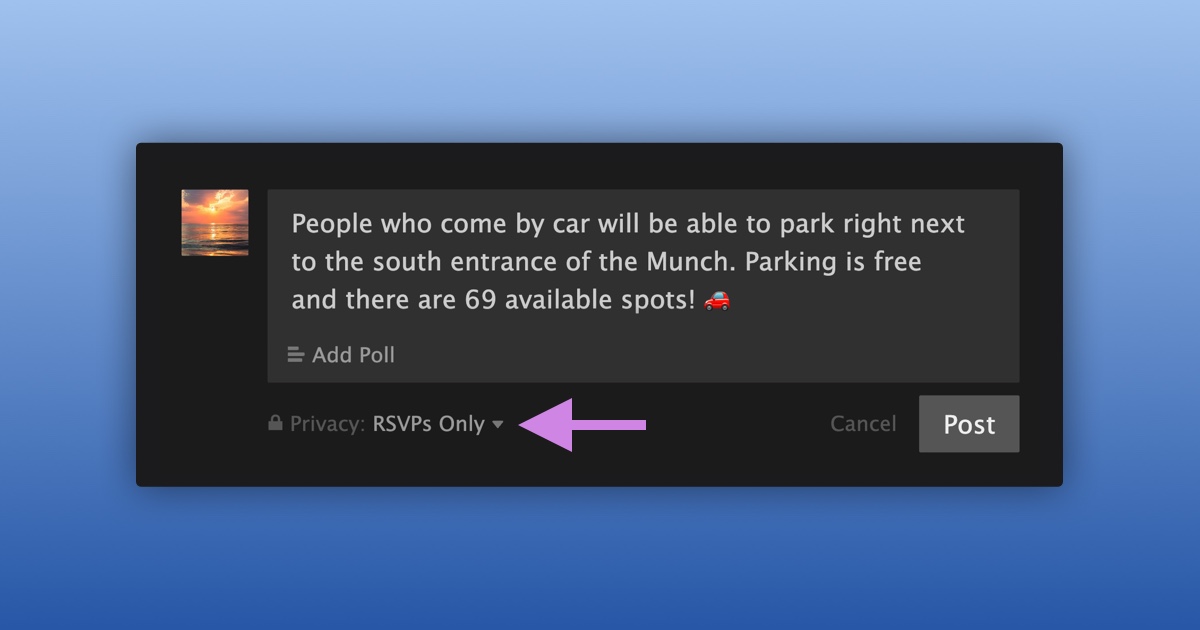
We’re excited to announce that event organizers now have the ability to set the privacy of an event discussion to either “FetLifers” or “RSVPs-Only”.
To choose the privacy of your event discussion:
- Navigate to your event
- Start writing a new event discussion
- In the bottom left corner, choose either “FetLifers” or “RSVPs-Only”
- Select ”Post”
You can change the privacy of an existing event discussion at any time through the “Edit” feature.
We’re happy to give you more ways to manage your events.