2025/07/31
More Control Over Who Can Message You
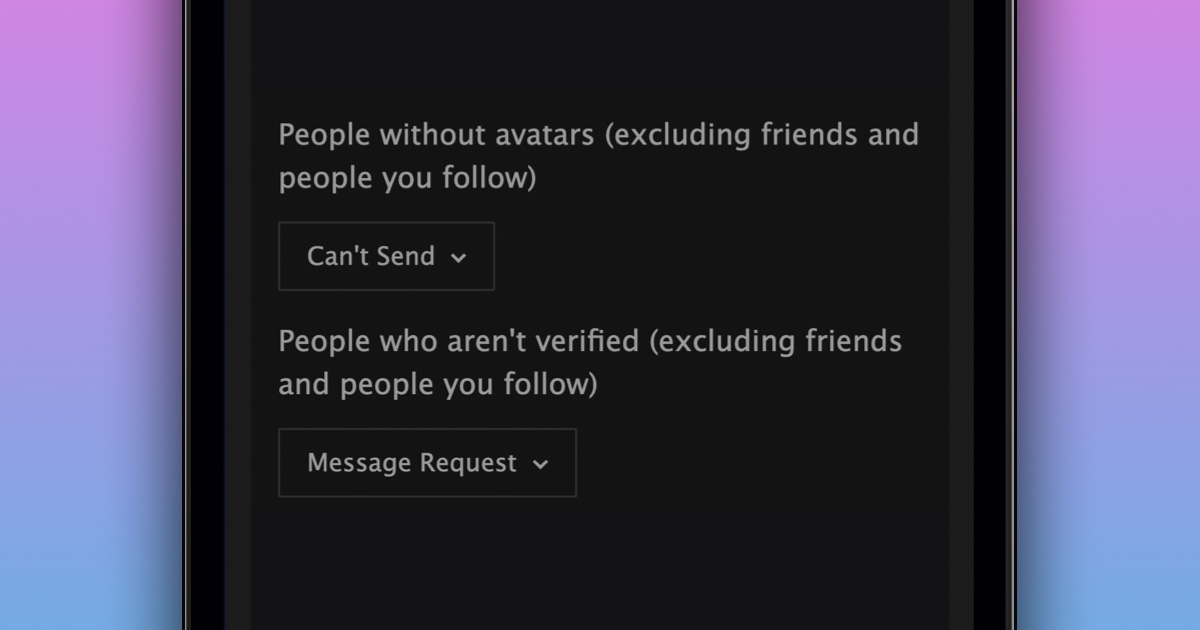
We’re excited to announce two new inbox privacy settings that give you more control of your inbox. These two new inbox settings allow you to determine whether members without an avatar and members who are not profile verified can start new conversations with you.
To update the new inbox privacy settings:
- Navigate to your “Privacy Settings”
- Scroll down to the “Inbox” section
- Find the “People without avatars” and “People who aren’t verified” settings
- Choose the setting that works best for you
We are happy to give everyone more control over their inbox.
P.S. When more than one inbox setting might apply to someone starting a new conversation with you, we always use the most restrictive of your settings. For example, if your inbox is set to “Open” but people without avatars is set to “Message Request”, a new conversation from someone without an avatar will come in to you as a message request.