2025/08/07
Closing a Poll
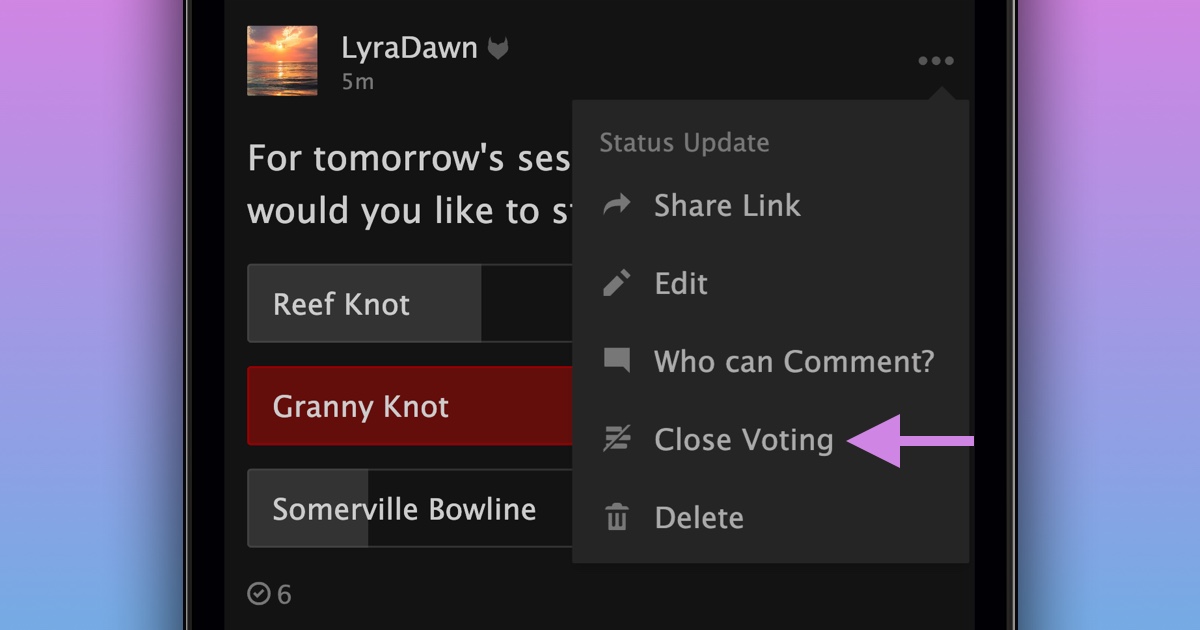
We’re excited to announce the author of a status update, group discussion, or event discussion that contains a poll now has the ability to close voting.
To close voting on a poll you’ve created:
- Navigate to a poll of yours
- Press the “...” menu
- Select “Close Voting”
- Confirm by pressing “Close Voting”
Votes can only be closed if the poll has at least one vote.
P.S. Once votes on a poll are closed, they can not be reopened.