2025/09/19
Improved Wall Posts
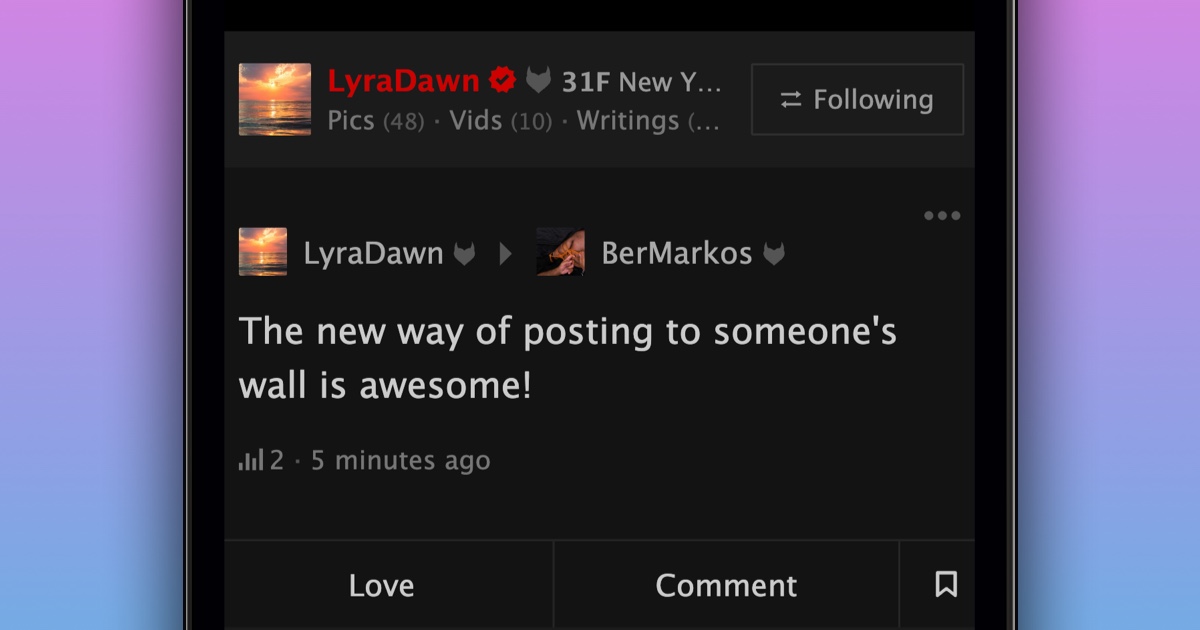
We’re very excited to announce that it's now also possible for members to love, share, and comment on Wall Posts.
To write on someone’s wall:
- Navigate to the member’s profile
- Open their activity feed
- At the top, type what you want to say
- Press “Say It”
You can also now control who can write on your wall:
- Navigate to your Privacy Settings
- Scroll down to the "Wall Posts" section
- Find the “Who can post on your wall?” setting
- Choose the setting that works best for you
To see all of a member’s Wall Posts, use the ‘Wall Post’ filter on their profile activity feed. Older Wall Posts are still visible under the “Wall” tab and will be carefully migrated to the new wall in time.