2025/09/30
Group Invites
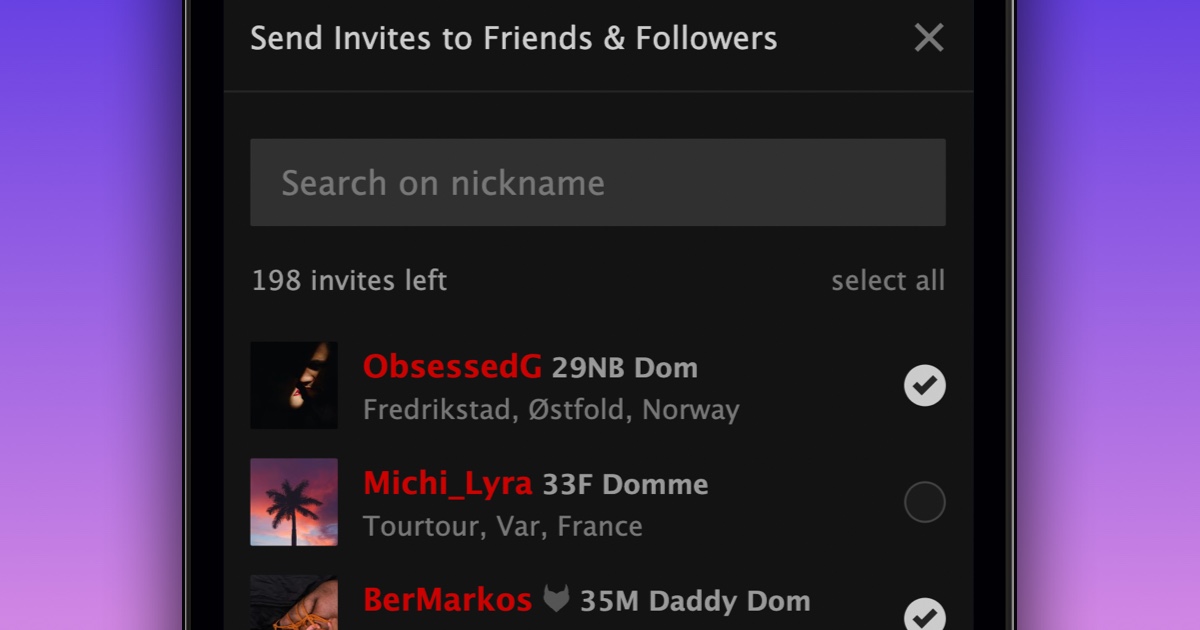
We’re very excited to announce a new feature that allows you to invite a friend or follower to join a group you own or lead.
To invite friends and followers to a group you own or lead:
- Navigate to the group
- Click “Invite”
- Select the people you want to invite
- Click “Invite people”
You can respond to event invitations directly from your Requests page.
If you prefer to limit who can invite you, you can update your privacy settings.
If you don’t want to receive group invites from a specific member:
- Visit your Requests page
- Find a group invite from the member you want to ignore invites from
- Click the dropdown arrow on the: “Ignore” button (desktop), or “Join” button (mobile)
- Select “Always Ignore Invites from {Nickname}”
We are happy to offer group owners and leaders more ways to grow their groups.