2025/10/09
Add Pictures to Status Updates
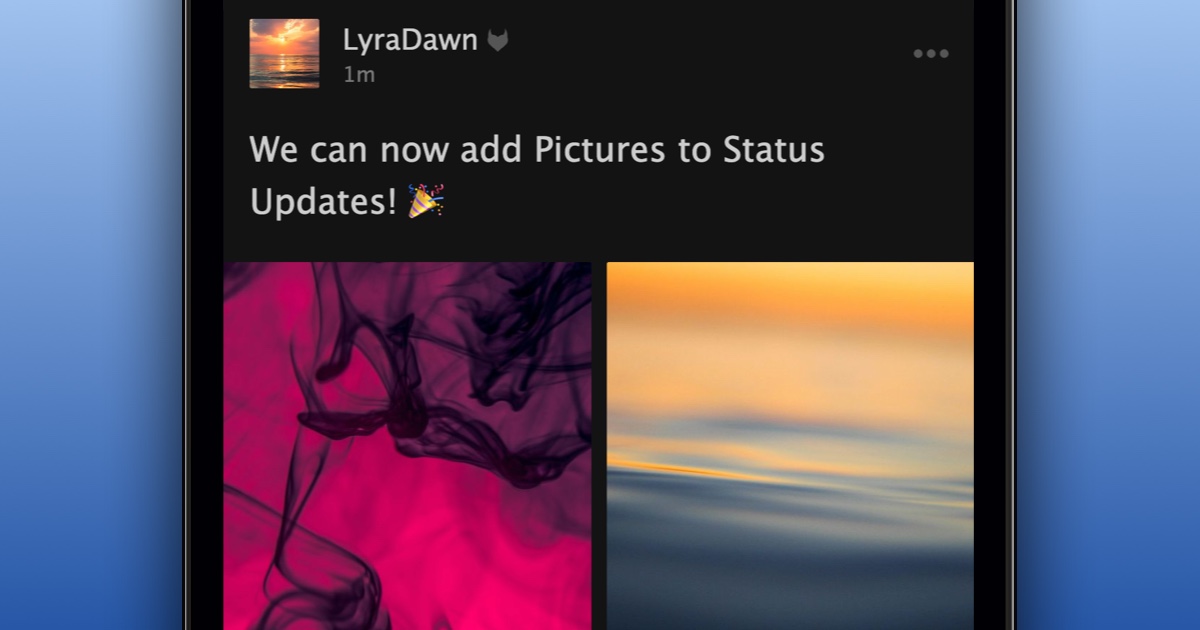
We’re very excited to announce that you can now add pictures to a status update.
Unlike uploading a picture to your gallery, adding pictures to a status update does NOT add the pictures to your profile picture gallery.
To add pictures to your status update:
- Create a new status update
- Press “Add Pics”
- Select up to 5 pictures
- Confirm you have consent to upload the pictures
- Press “Say It”
We’re happy to give you more ways to share pictures.