2025/11/10
Profile QR Code
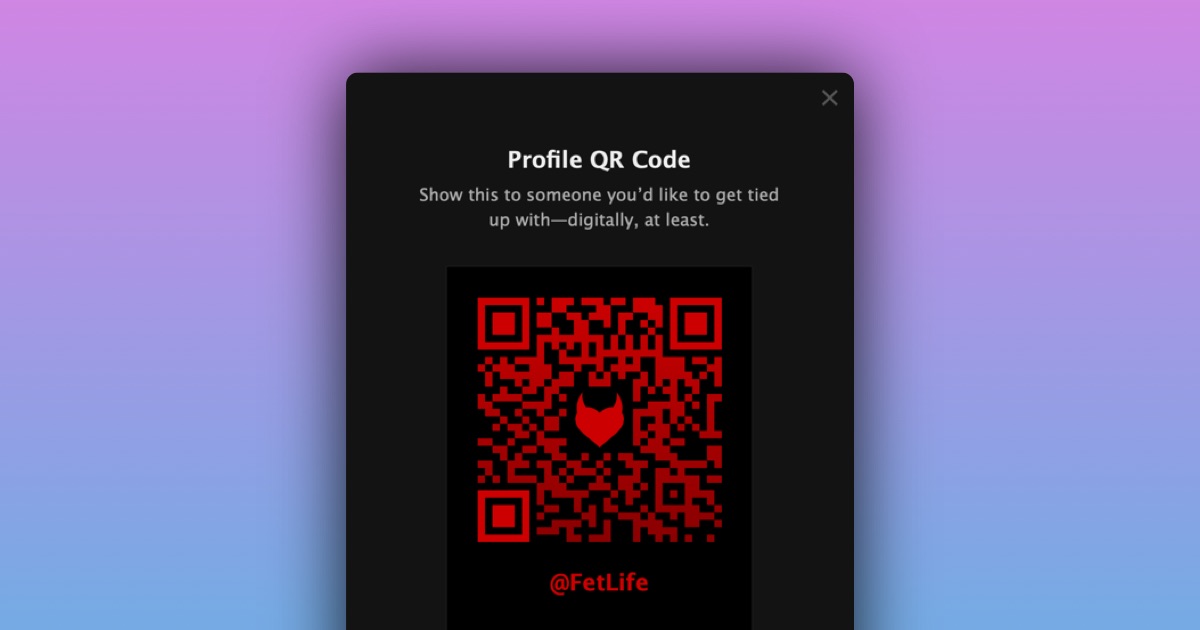
We are happy to announce a new “Profile QR Code” feature. You can find this feature next to the “Edit Profile” button on your profile page.
To access your “Profile QR Code”:
- Go to your profile page
- Click on the ”Share Profile” button
- Show a QR code to someone you want to share your profile with
- Have them scan your QR code using their phone camera app or a dedicated QR scanning app
Alternatively, you can copy a link, share it, or download the QR code from the same screen.
Please play around with it and let us know what you think so we can continue to improve it!