2026/03/03
Ignore Follow Requests
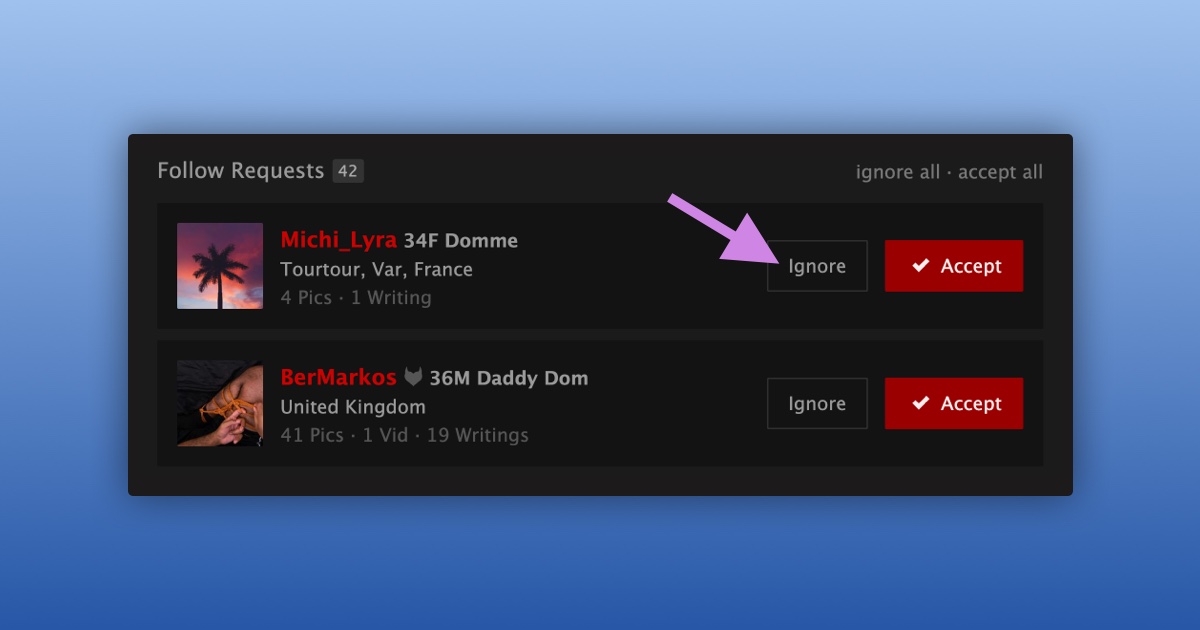
You can now ignore a follow request just like you can for friend requests.
To ignore an open follow request:
- Navigate to the Requests page
- Scroll down to “Follow Requests”
- Find the request you want to ignore
- Press “Ignore”
You can undo an ignored follow request by following these steps:
- Navigate to the Ignored Requests page
- Open the “Follow Requests” tab
- Press “Undo”
The request will return to your main Requests page, where you can accept it.
Members aren’t notified when you ignore a request. You’re simply moving it out of view until you’re ready to decide.