2026/03/18
Add Members to Existing Group Conversations
You can now add people to an existing group conversation, so you do not need to start a new one just to bring someone in.
For privacy reasons, people who are added later cannot see earlier messages. They will only see messages from the point they joined the conversation.
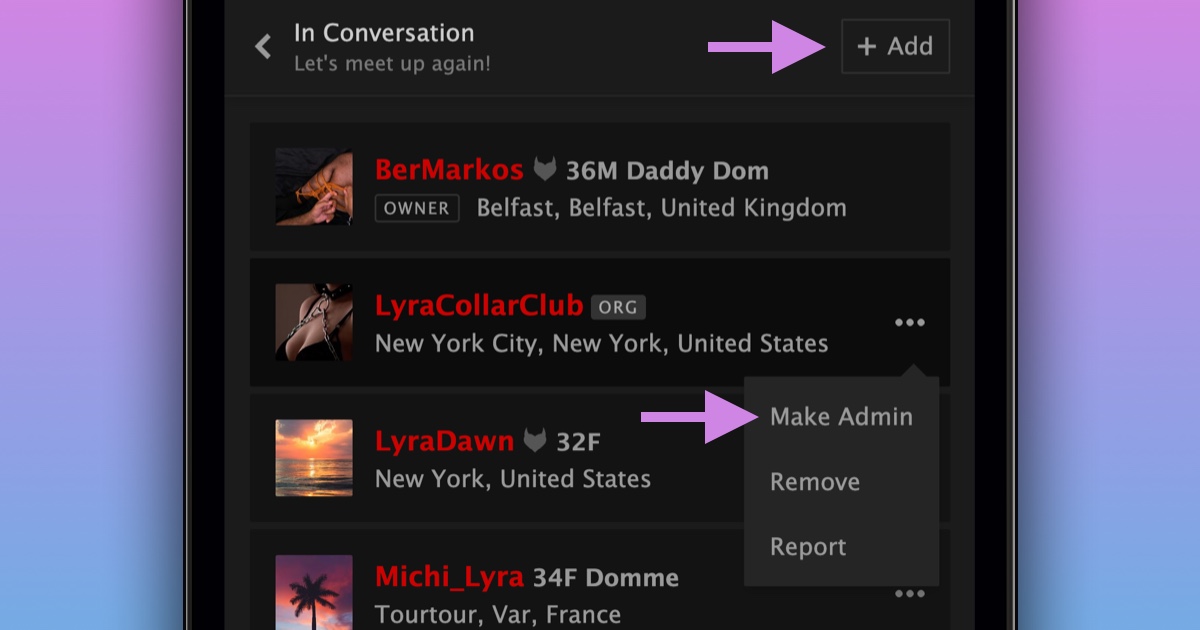
If you are the owner or an admin, you can add someone to a group conversation in a few steps:
- Open the conversation
- Go to Manage Members
- Choose Add Members
Group conversations can now have up to 26 people, up from 10.
Owners can also make other members admins. Admins can add or remove people, and assign or remove admin status.
This only applies to group conversations, not 1:1 conversations.
We hope this improves group conversations.