2026/04/29
Pre-Moderate Group Discussions with Pictures
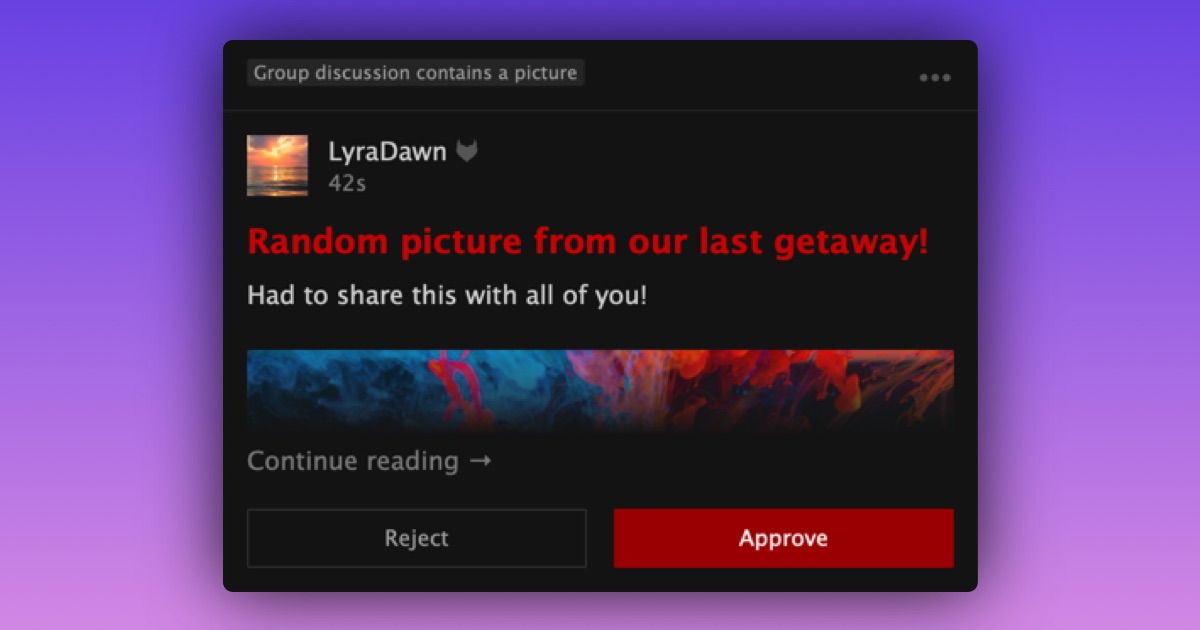
Group leaders now have the option to review discussions that contain pictures before they appear in their group.
When this setting is on, any new discussion that includes a picture is held for a leader to review before it appears in the group.
To turn it on in your group:
- Go to your group
- Open "Settings"
- Find the "Pre-Moderation" section
- Check "Group discussion contains a picture"
If pictures are not yet allowed in your group discussions, this may be a good time to reconsider.
To allow pictures in group discussions:
- Go to your group
- Open "Settings"
- Find the "Group Discussions" section
- Check "Allow group members to add pictures to discussions"
- Press "Save Changes"
Once pictures are allowed, you can also turn on pre-moderation for discussions with pictures in the "Pre-Moderation" section.