2026/06/08
Voice Messages
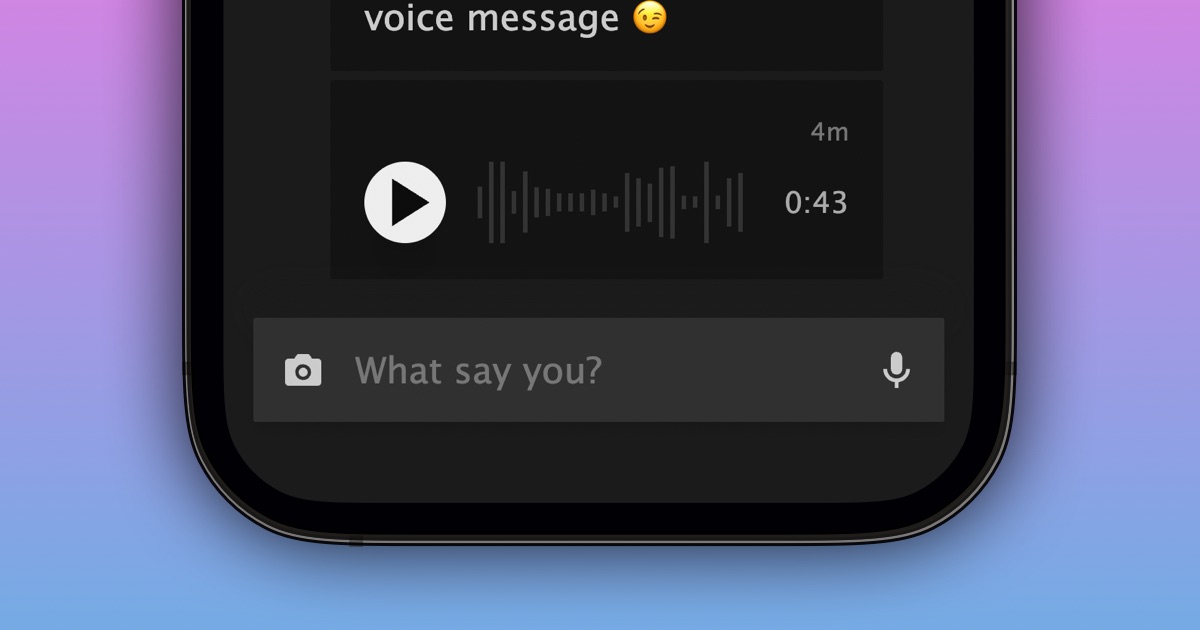
You can now record and send voice messages in private 1-on-1 and group conversations.
To record and send a voice message:
- Open an existing conversation
- Select the microphone button in the message box
- Allow microphone access if your device asks
- Record your message
- Select the stop button when you're done recording
- Select "Say It!" on desktop or tap the red send button on mobile
You’re also in control of who can send you voice messages.
To update your voice message privacy settings:
- Go to your Privacy Settings
- Scroll down to the Inbox section
- Under “Who can send you attachments in PMs” find Voice Messages
- Choose the setting that works best for you
We hope voice messages help make your conversations feel a little more human and a little more personal.
P.S. We're looking into adding support for transcripts.