2026/07/15
Resend Bulk Messages to New RSVPs
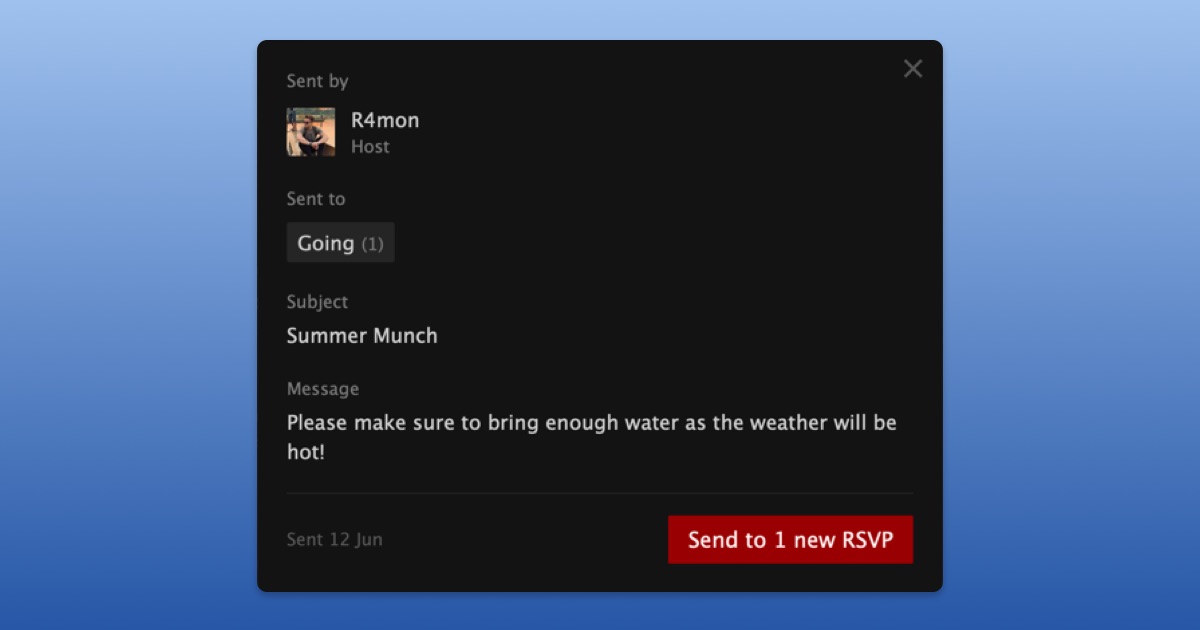
People often RSVP after you’ve already sent a bulk message to your event attendees. Now, you can easily resend a previously sent bulk message to people who have newly RSVP'd to your event.
To send a previously sent message to new RSVPs:
- Open your event
- Go to Messages under Settings
- Select the message you previously sent
- Choose "Send to new RSVPs"
We hope this makes it easier to keep everyone attending your event in the loop.