2026/07/21
GIFs in Conversations
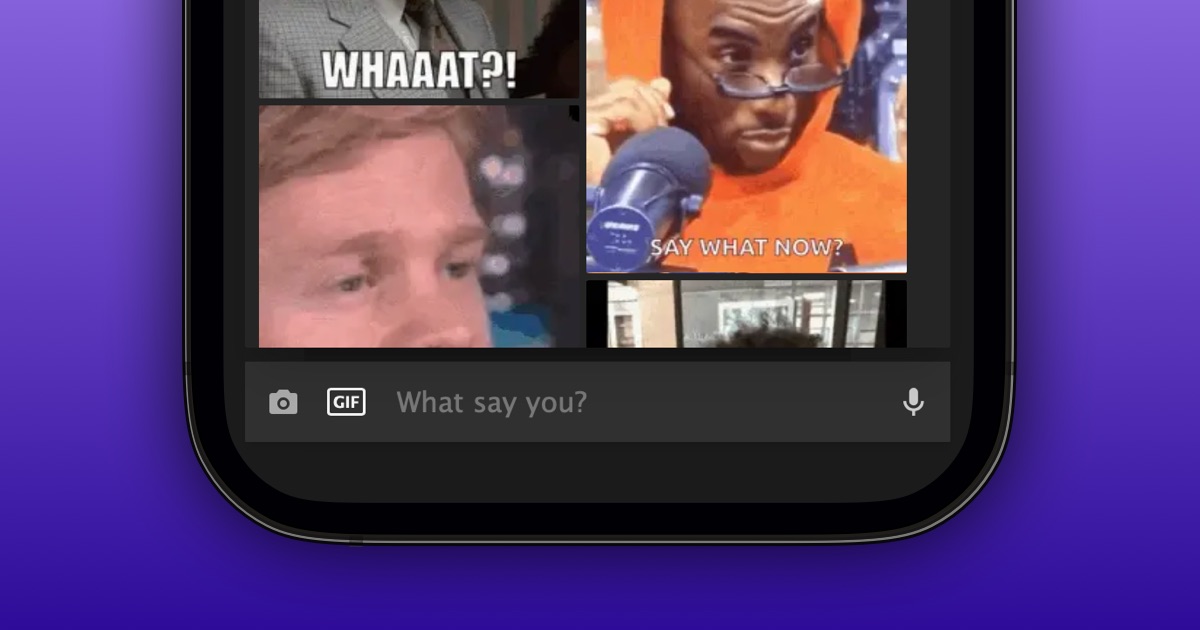
You can now search for and send GIFs in your private 1-on-1 and group conversations.
To send a GIF:
- Open an existing conversation
- Select the GIF button in the message box
- Search for a GIF
- Select the GIF you want to send
We are happy to bring one of the most requested features to the community.
Note: Currently, only supporters can send GIFs. Everyone can view GIFs that are sent to them.