2026/07/24
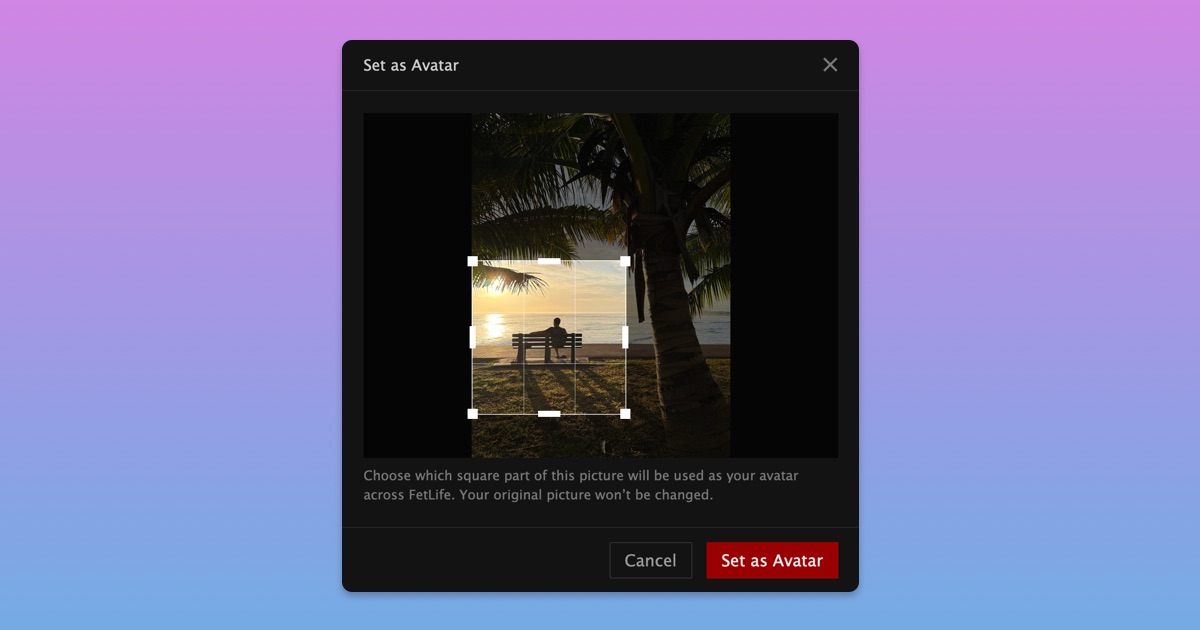
Choose How Your Avatar Is Cropped
Your avatar is one of the main ways you show up across FetLife. It should show the part of a picture you actually want people to see.
Until now, we automatically cropped your avatar. That could result in the wrong part or leave you with an avatar that did not feel quite right.
Now you can choose exactly which part of your picture appears as your avatar while the original picture stays exactly the same.
To choose your avatar crop when uploading a picture:
- Upload a new picture
- Check “Set as Avatar”
- Move and resize the crop box
- Select “Set as Avatar”
To choose the crop for a picture already on your profile:
- Open a picture on your profile
- Open the Options menu
- Select “Set as Avatar”
- Move and resize the crop box
- Select “Set as Avatar”
We hope this gives you a little more control over how you show up across FetLife.