2026/08/04
Bulk Edit Picture Gallery
Managing a large picture gallery used to mean updating each picture one at a time.
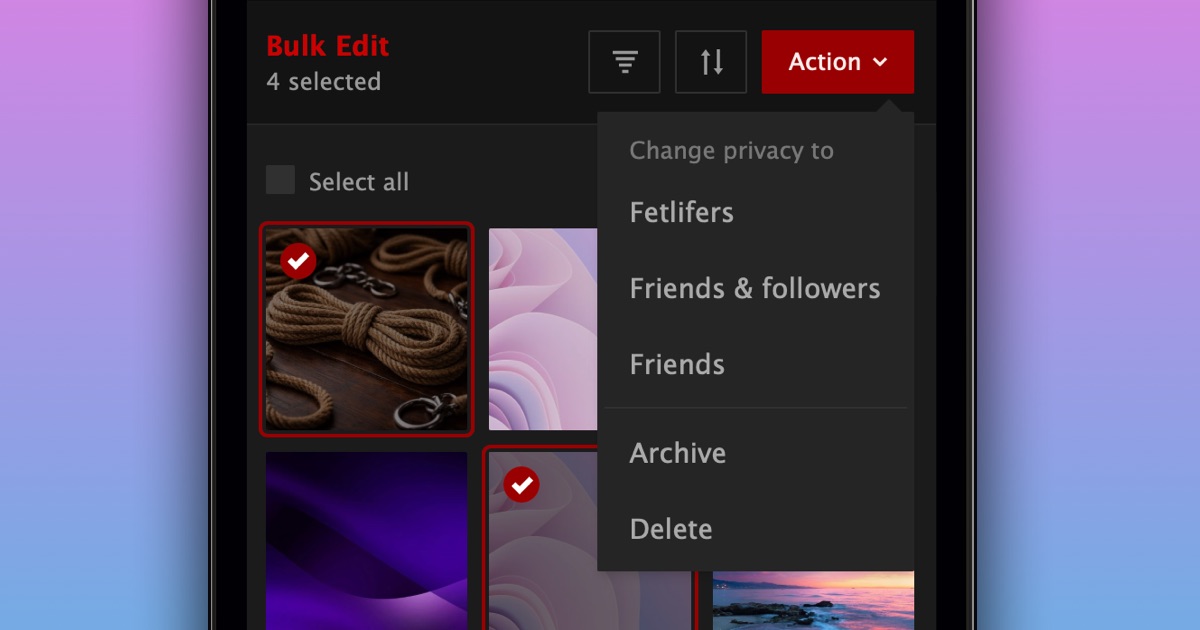
Now you can select multiple pictures and update them all at once.
In just a few taps, you can:
- Change who can see them
- Archive or unarchive them
- Delete pictures you no longer want
To bulk edit your pictures:
- Open your picture gallery
- Open the “Your Pictures” menu above the gallery
- Select “Bulk Edit”
- Choose the pictures you want to update
- Select an action and confirm
We hope this makes managing your picture gallery easier.
P.S. Bulk edit is currently only available to supporters.