2026/08/13
Schedule Pictures and Videos
A couple of days ago, we introduced scheduled writings. Now you can schedule pictures and videos too.
Upload whenever you have the time, then choose exactly when you want your picture or video to appear on FetLife.
To schedule a picture or video:
- Start a new picture or video post
- Choose your file and add your caption, tags, and privacy as usual
- Open the dropdown next to “Upload Your Picture” or “Upload Your Video”
- Select “Schedule Picture” or “Schedule Video”
- Choose the date and time you want it published
- Select “Schedule Picture” or “Schedule Video” to confirm
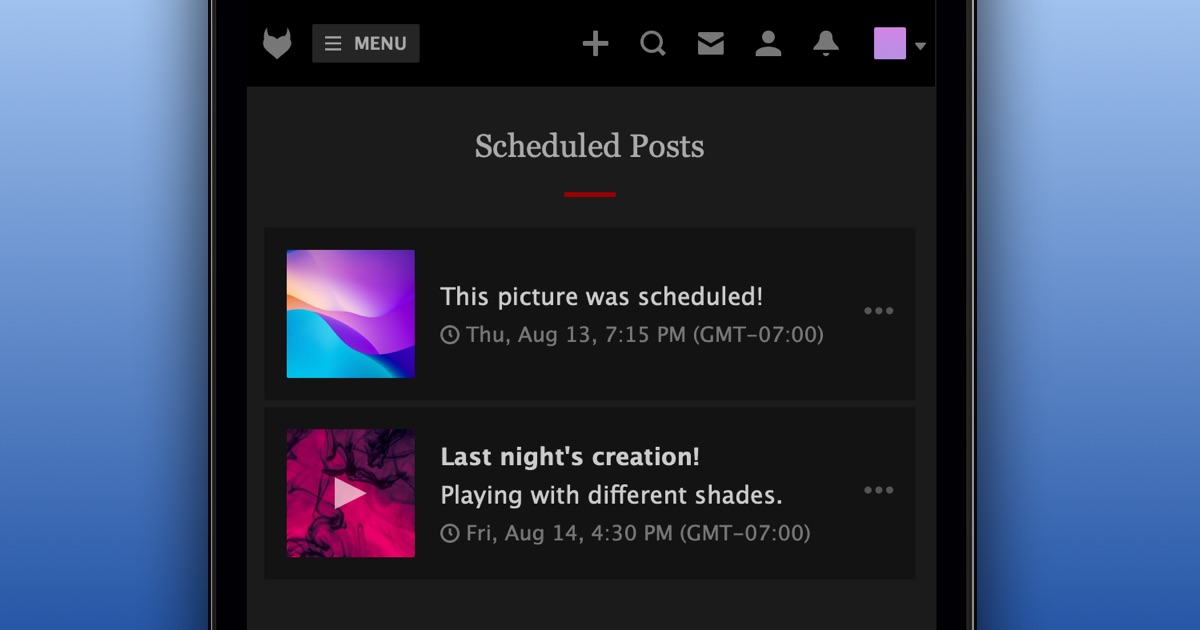
To manage everything you have scheduled:
- Open the account menu in the top-right corner
- Select “Scheduled Posts”
From there, you can view and manage everything you have scheduled.
We hope this gives you more freedom to post when the timing feels right.
P.S. Scheduling is only available to supporters.