2026/08/19
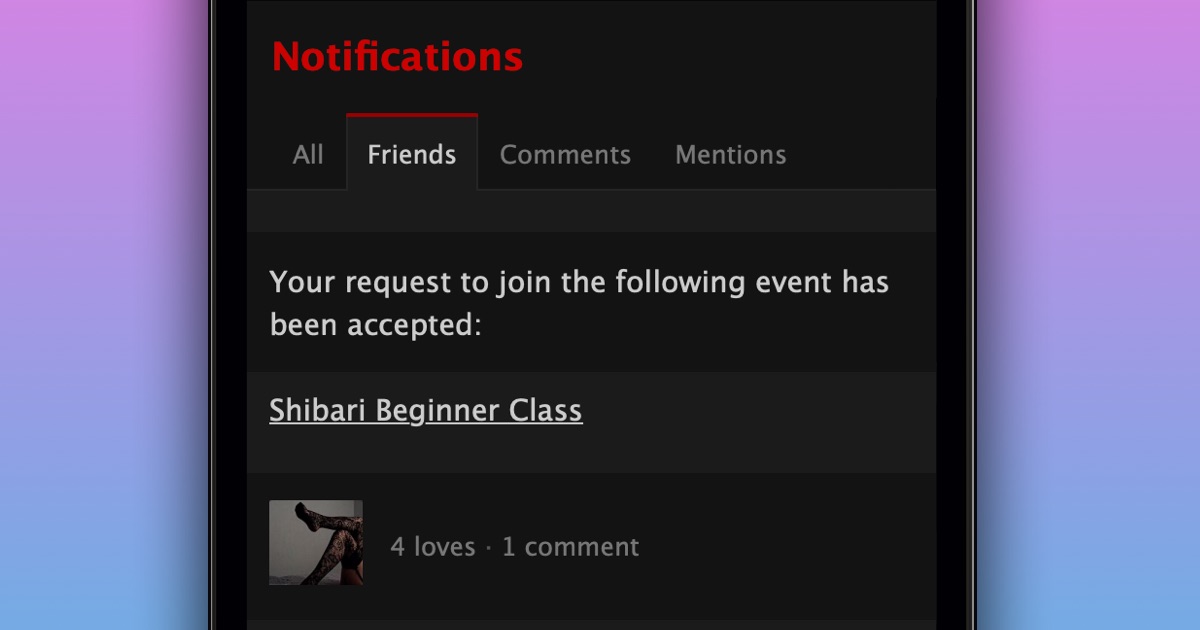
Filter Notifications by Friends
When your notifications get busy, it can be easy to miss activity from your friends.
Your notifications now have a Friends tab that only shows activity from your friends. Everything is grouped and ordered the same way as the All tab, with less to scroll through.
To see notifications from your friends:
- Go to your Notifications
- Select “Friends” at the top of the page
We hope this makes it easier to keep up with your friends.