2026/09/30
[BETA] GIFs in Comments
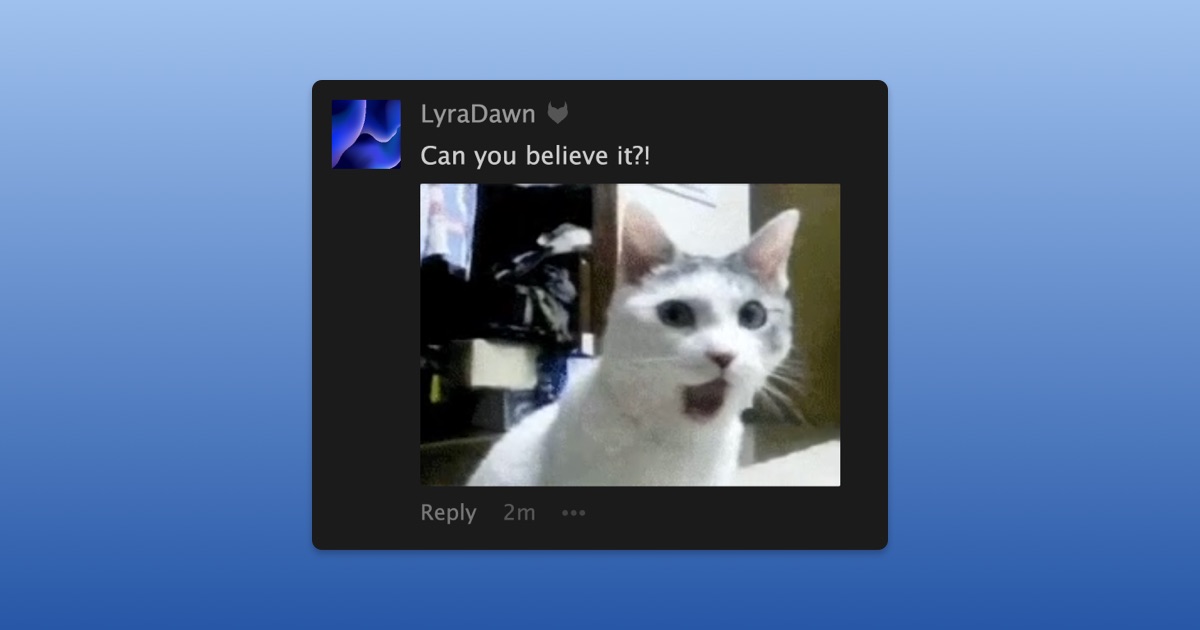
Starting today, we’re experimenting with giving you the option to include a GIF with your comment on a status update.
This is very much an experiment. We’re not sure yet if allowing GIFs in comments will become a permanent part of FetLife. We want to see how people use them and whether they add something positive to conversations or end up being more distracting than fun before deciding what comes next.
To comment with a GIF:
- Open the comment box on a status update
- Select "GIF"
- Search for what you're looking for
- Choose a GIF and select "Say It!"
Every GIF available has been reviewed by our team first. That means our selection is smaller than what you might find elsewhere, and sometimes your search might not turn up the GIF you had in mind.
Missing a GIF? Send the GIF you want to add in any private conversation on FetLife. If the GIF has never been used before, we send a copy of the GIF to the Caretaker team to review and decide whether it can be shared publicly.
Not everyone wants GIFs under their posts, and that’s okay. You decide who can comment with GIFs on your posts:
- Open your "Privacy Settings"
- Scroll down to "Comments"
- Choose an option under "Who can comment with a GIF on my posts?"
If your device is set to reduce motion, GIFs in comments won’t automatically play. You can still play them whenever you want by selecting the GIF.
Try them out and tell us what you think!
P.S. Initially, we are only rolling this feature out to Supporters while we see how it goes.