2026/10/21
Chat Bubbles on Desktop
Messaging on FetLife just got a little easier on desktop.
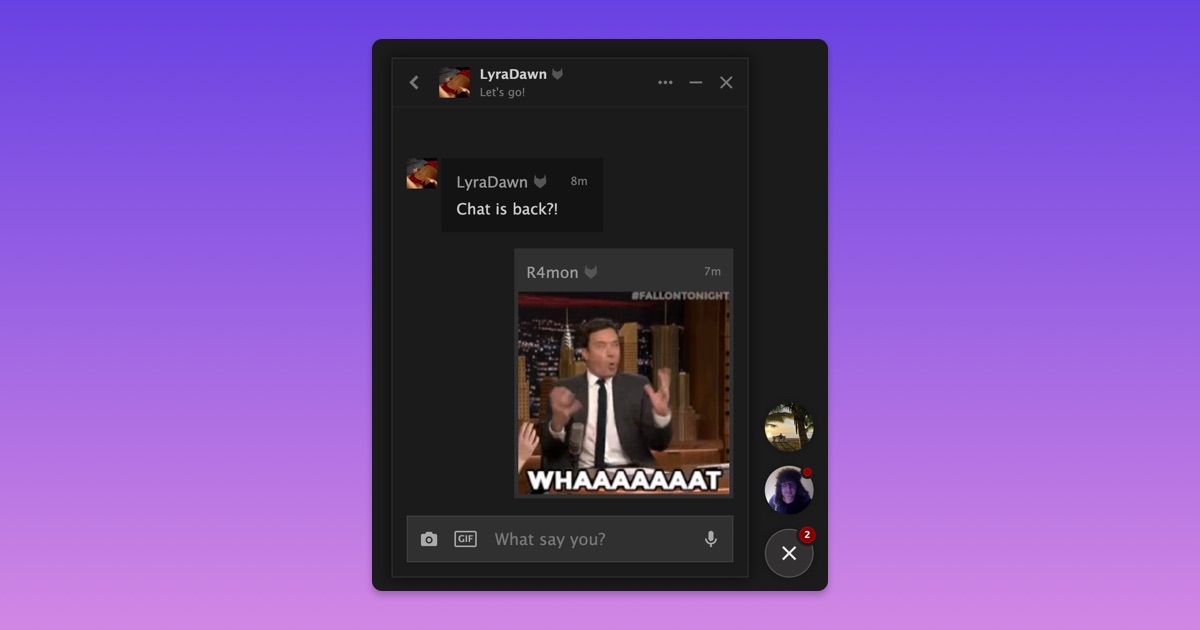
You can now open conversations in chat bubbles while you browse FetLife, so you can read and reply to messages without leaving the page you're on.
To open a chat:
- Select the chat bubble in the bottom-right corner
- Choose a conversation
- Read and reply while you keep browsing
You can minimize a chat anytime and open it again right where you left off. The badge on the chat button also shows how many conversations have unread messages.
Chat bubbles are available when using FetLife on larger screens like laptops and desktop computers. They don't appear on phones or in the FetLife app.
We hope this makes it easier to keep conversations going while you're browsing FetLife from your computer.