2026/10/27
Choose Which Community Lists You're Added To
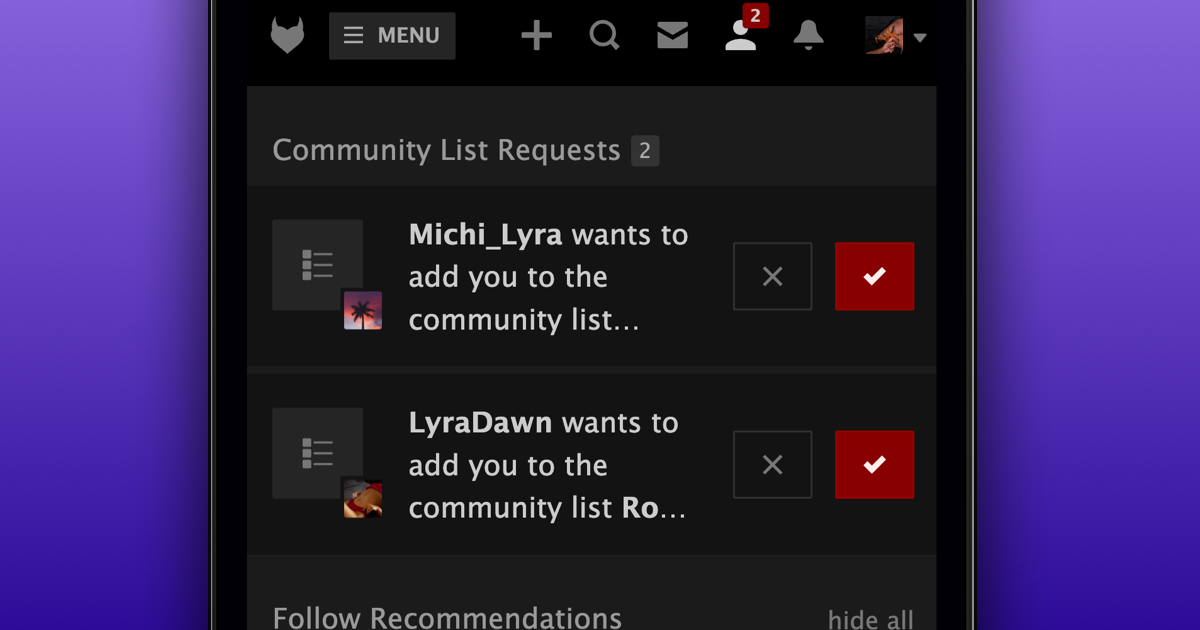
When someone wants to add you to a Community List, you'll now receive a request so you can choose whether you want to be part of it.
To answer a community list request:
- Go to your Requests
- Find the request under "Community List Requests"
- Select "Accept" or "Ignore"
Ignored requests move to "Ignored List Requests", where you can still accept or decline them later. Once you "Ignore" the request, that list can't send you another request to be added.
You choose who can send you these requests in your "Privacy Settings", under "Who can add you to a Community List?".
We hope this gives you more control over the community lists you appear on.