2026/10/28
More Places to Comment With GIFs
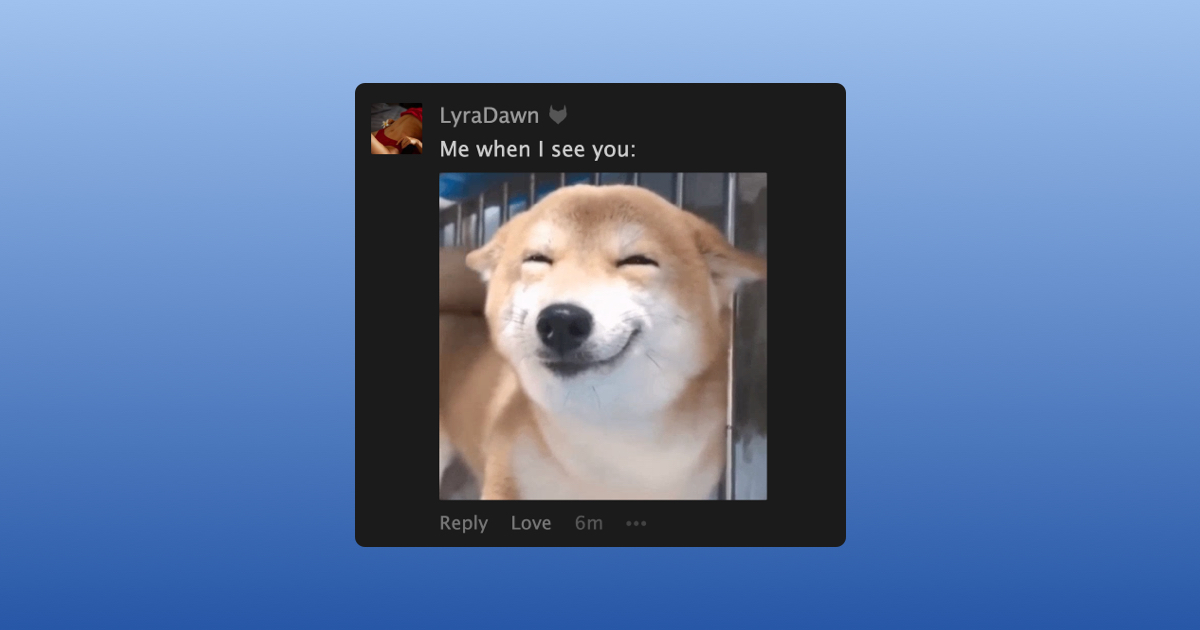
Supporters can now comment with a GIF on more than just status updates, including writings, pictures, videos, event discussions, albums, collections, wall posts, and profile or relationship updates.
To comment with a GIF:
- Open the comment box
- Select "GIF"
- Search for what you're looking for
- Choose a GIF and select "Say It!"
To choose who can comment with GIFs on your posts:
- Open your "Privacy Settings"
- Scroll down to "Comments"
- Choose an option under "Who can comment with a GIF on my posts?"
We hope you enjoy using GIFs in more of your comments.