2026/10/29
Manage Your Logged-In Devices
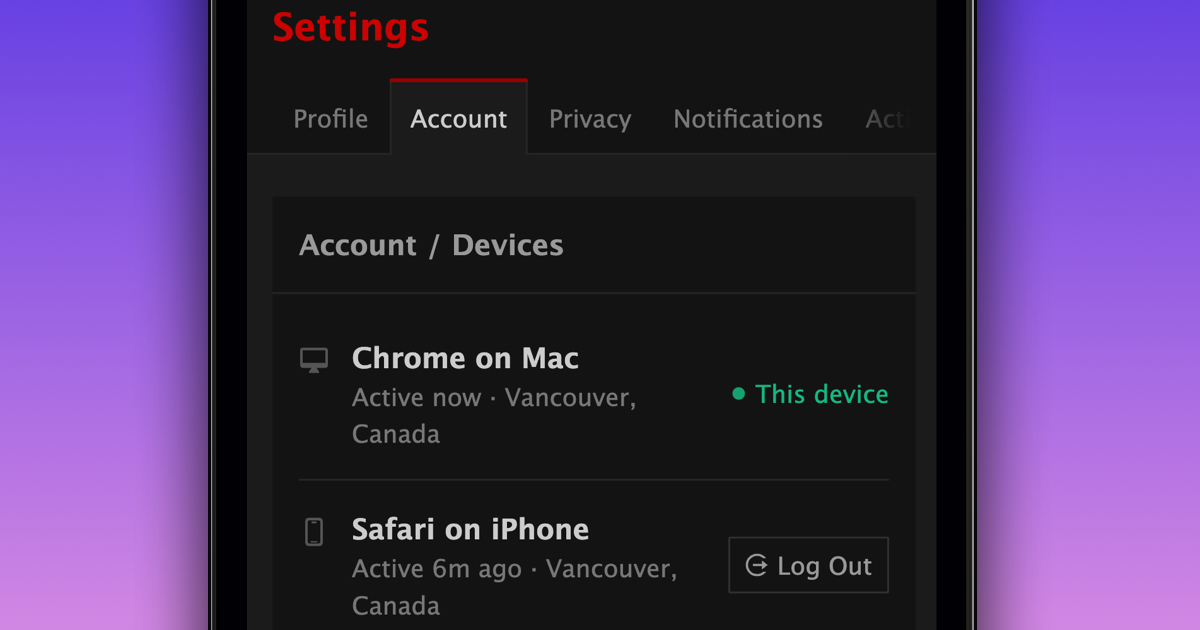
You can now see every browser and app where you're logged in to FetLife, and log out of any of them.
To see where you're logged in:
- Go to your Account Settings
- Select "Manage" next to "Devices"
- Press "Log Out" next to any device you want to log out of
See a device you don't recognize? Log it out and change your password. Changing your password also logs you out on every other device.
We hope this gives you more control over where your account is logged in.
P.S. If you want to add an extra layer of protection to your account, you can turn on "2FA" in your Account Settings. When you log in, you'll also need a code from an authenticator app.