2026/11/05
See Notifications for All Your Accounts
If you're logged in to more than one account, you can now see which ones have new notifications without switching to them first.
To see your other accounts' notifications:
- Select your avatar in the top right
- Select "Switch to another account"
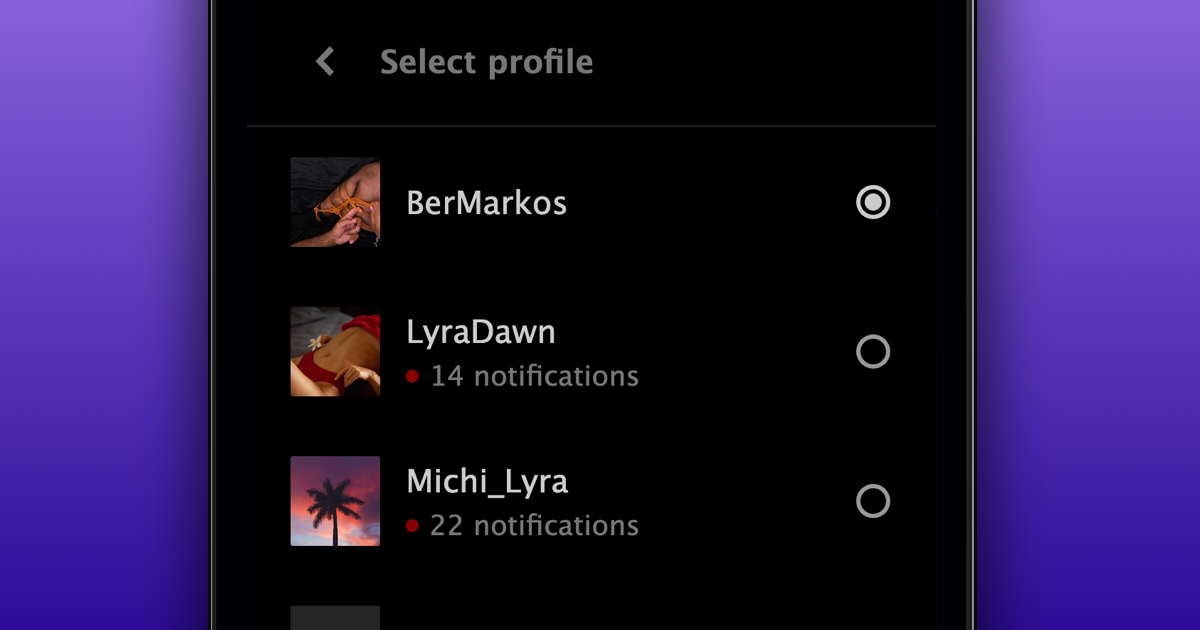
The red number next to ‘Switch to another account’ shows the total number of new notifications across all your other accounts. You'll also see how many notifications are waiting next to each one in the list.
Push notifications will also now open on the correct account, automatically switching you to it first.
We hope this makes it easier to keep up with all your accounts!