2026/11/06
Add People Back to Group Conversations
You can now add people back to a group conversation after they've left or been removed, without having to start a new conversation.
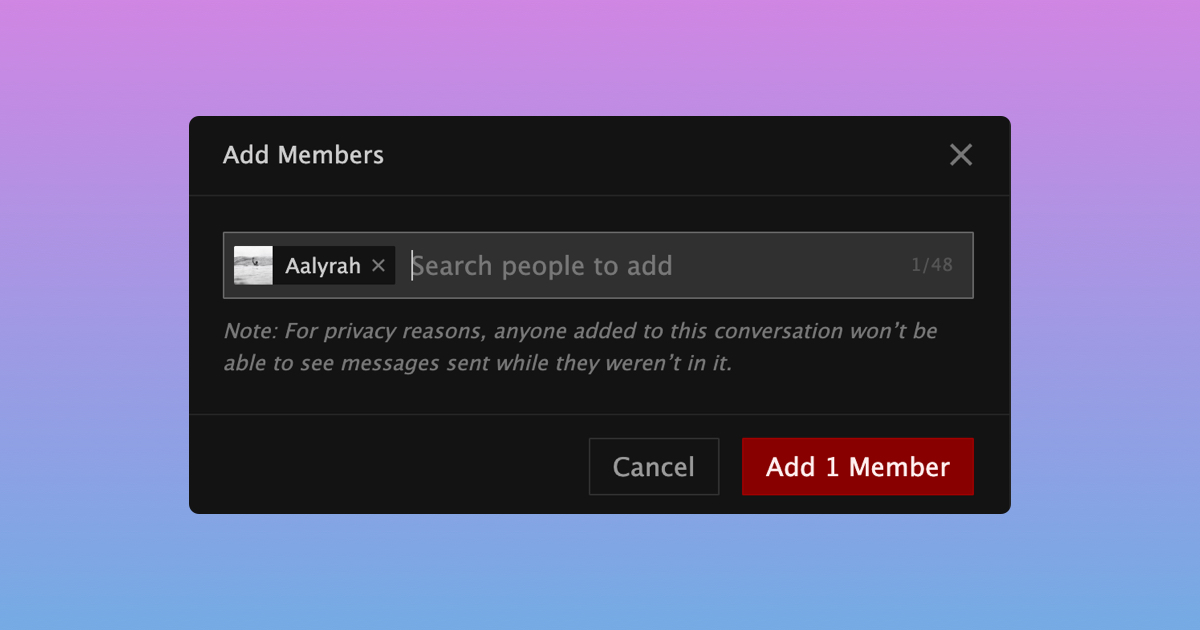
For privacy reasons, anyone added back won't be able to see messages sent while they weren't part of the conversation.
If you're the owner or an admin, here's how to add someone back:
- Open the conversation in your Inbox
- Select "Manage Members" from the menu at the top
- Select "Add Members"
- Search for the person you want to add back
- Select "Add 1 Member"
We hope this makes it easier to bring people back into your group conversations!