2026/11/09
Choose Which RSVPs Need Your Approval
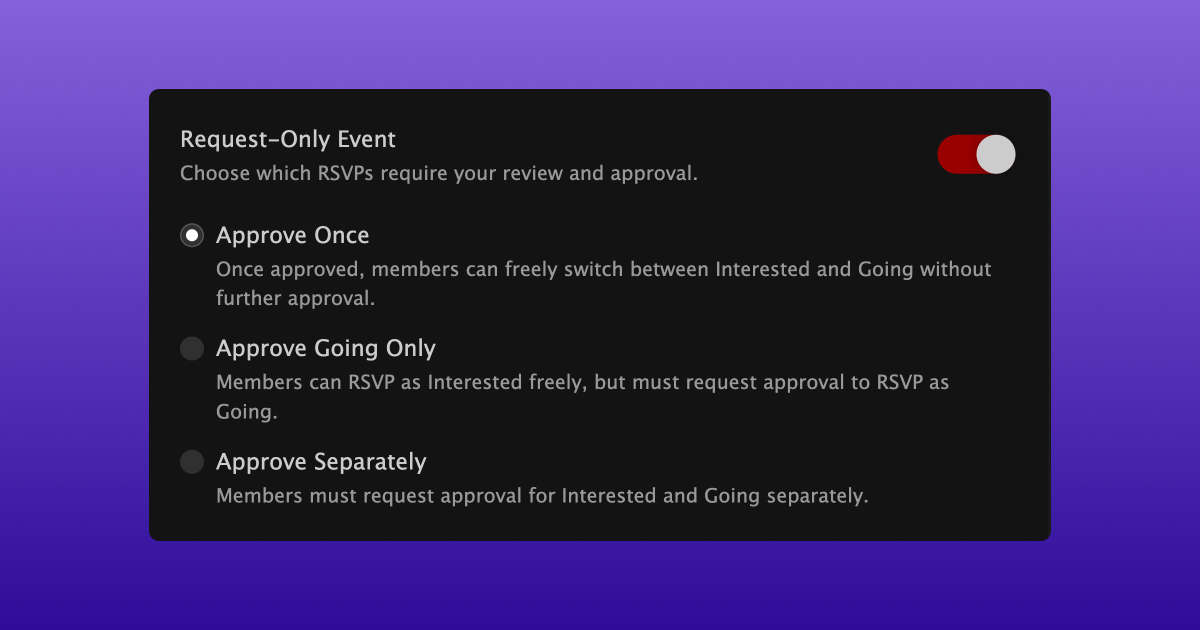
Event organizers can now choose how RSVP approvals work for their request-only events, with three options:
- Approve Once: Approve a member once, and they can freely switch between Interested and Going.
- Approve Going Only: Members can RSVP as Interested without approval, but need your approval to RSVP as Going.
- Approve Separately: Members need your approval for both Interested and Going.
To change the approval settings for an existing event:
- Open your event
- Select "Privacy" under Manage
- Make sure "Request-Only Event" is turned on
- Choose your preferred approval option
- Select "Update Event Privacy"
You'll also find these options under "Additional privacy settings" when creating a new event.
"Approve Once" is the default, including for existing events. If you change the setting, any pending requests that no longer require approval will automatically be accepted.
We hope this makes it easier to manage RSVPs for your events!