2026/11/10
Bulk Edit Your Inbox
Clearing out your Inbox used to mean archiving or deleting each conversation one at a time.
You can now select multiple conversations and archive, unarchive, or delete them all at once.
To bulk edit your conversations:
- Open your Inbox
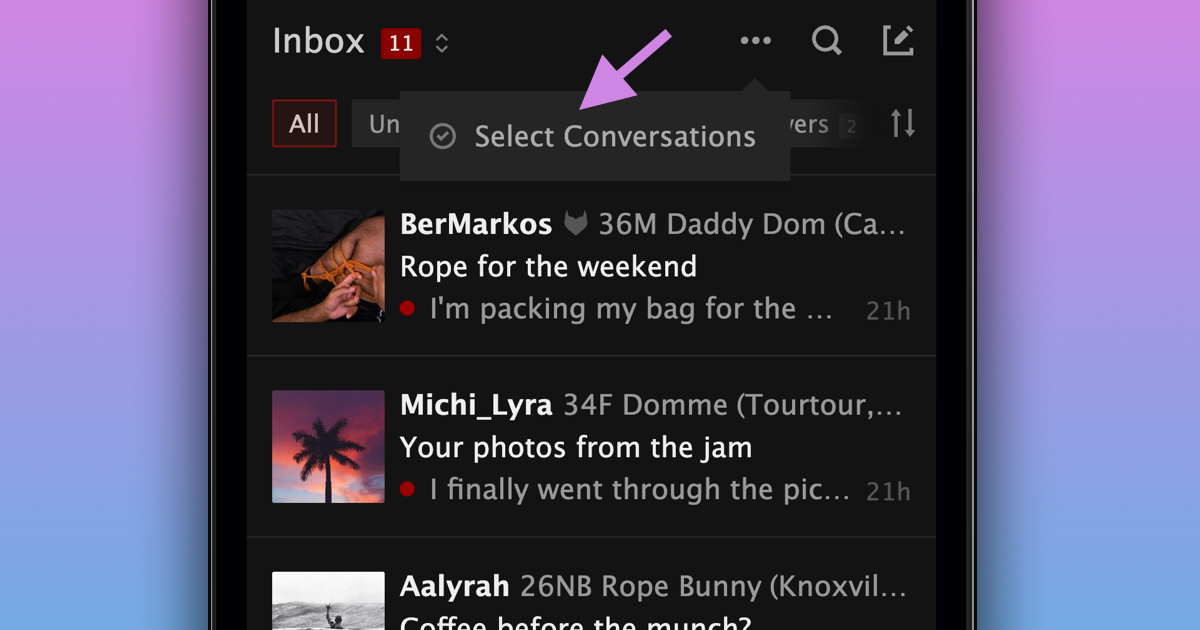
- Press the "..." menu at the top on mobile or on the right on desktop
- Choose "Select Conversations"
- Select the conversations you want to archive or delete, or choose "Select All"
- Press "Archive" or "Delete" and confirm your choice
To bring archived conversations back, follow the same steps in your Archived conversations and select "Unarchive".
If you organize events, you can also close or reopen multiple event conversations at once from the "Events" tab.
We hope this makes it easier to keep your Inbox organized!