2026/11/12
Collaborators
Sometimes there's more than one person involved in bringing an idea to life.
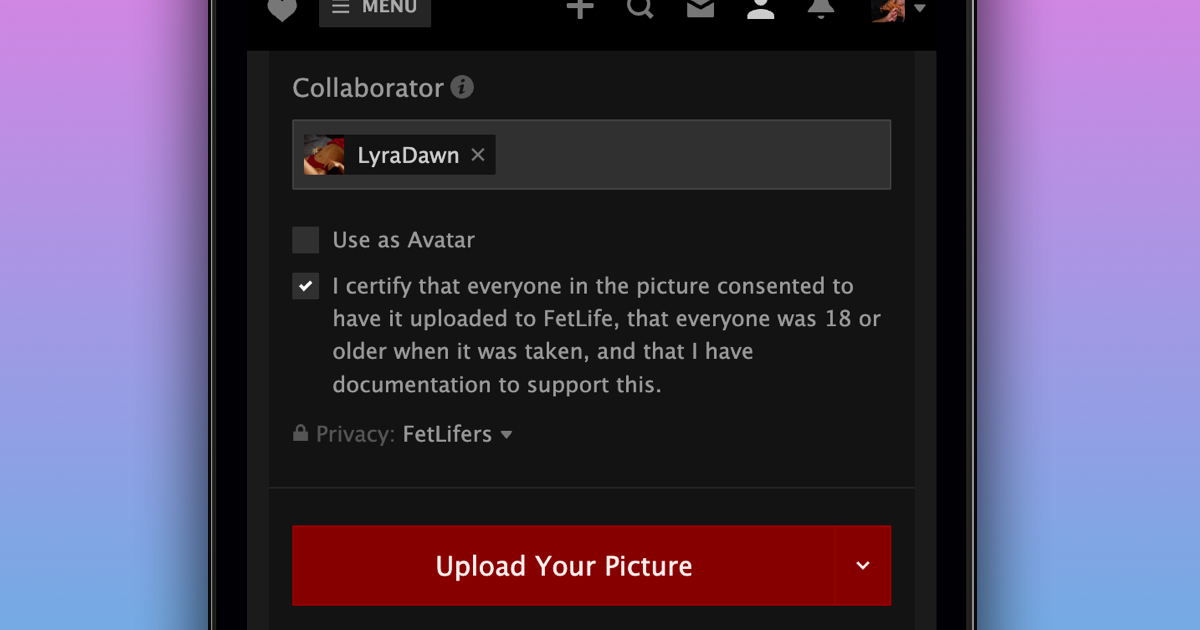
You can now add a friend as a collaborator on your pictures, videos, and writings. Once they accept your invitation, the content will appear in both of your main galleries, and you'll both get notified whenever someone loves or comments on it.
To add a friend as a collaborator:
- Upload a picture or video, or create a new writing
- Select "Add People"
- Enter your friend's name in the "Collaborator" field
- Select your friend from the dropdown
- Upload or save your changes
You can also add or remove a collaborator later by editing the picture, video, or writing.
Collaborator invites can be accepted from your Requests page. If you change your mind and want to remove yourself as a collaborator, select "Remove Me as Collaborator" from the "..." menu on the post.
We hope this makes it easier to share the things you create together!