2026/11/16
Event Tags
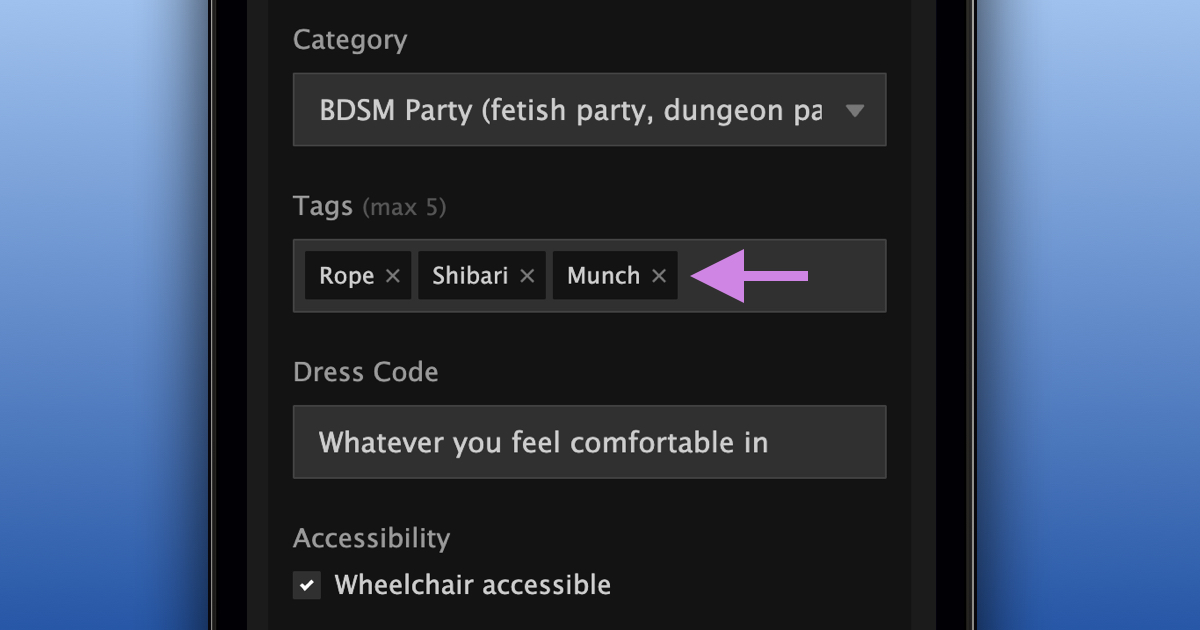
Event organizers can now add up to five tags to their events, just like members do with pictures, videos, and writings.
Tags help members see what your event is about and make it easier to find when searching for related keywords.
To add tags to an event:
- Open your event
- Select "General" under "Manage"
- Add up to five tags in the "Tags" field below "Category"
- Select "Update Event Details"
You can also add tags when creating a new event, and they'll carry over when duplicating an event.
We hope this makes it easier for members to discover your events!