2026/11/18
Better RSVP Filters and Event Messaging
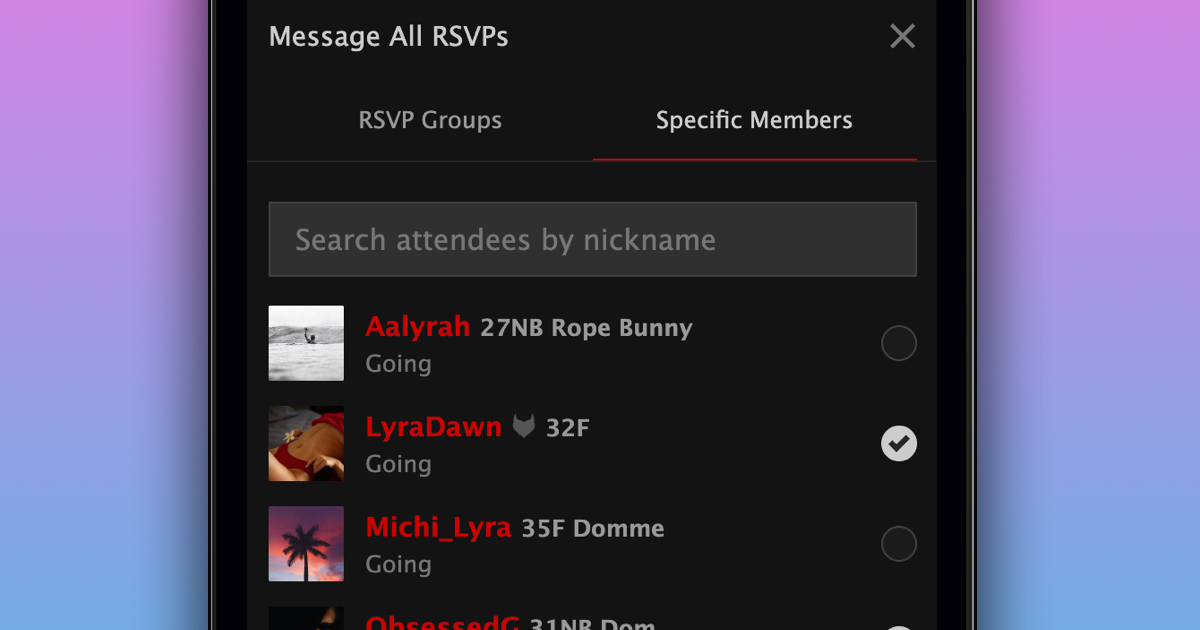
Event organizers and co-hosts can now choose which members receive their event messages, instead of having to message entire RSVP groups.
To send a message to specific members:
- Open your event and select "Manage"
- Go to the "Messages" tab
- Select "Send message to all RSVPs…"
- Choose "Specific Members"
- Select the members you want to message
- Write your message and select "Send Message"
You can also send a message you've already sent to additional members. Simply open it under "Sent" and select "Send to more". Members who've already received it are marked "Already sent", so they won't receive it twice.
Managing RSVP requests for request-only events is easier now, too. You can now filter requests by Going or Interested, sort them by newest, oldest, or nickname, and search for specific members under "Manage" → "Requests".
We hope this makes managing your event RSVPs and messaging members a little easier!