2025/05/22
Community List Improvements
Based on your feedback, we’ve made several improvements to Community Lists including, but not limited to:
See Lists You’re Featured In
Besides the Community Lists you’ve created, the “Lists” tab on the profile now also displays all Community Lists you’ve been added to.
Add Members to a List from their Profile
You can now add a friend or someone you follow to a Community List directly from their profile:
- Go to a member’s profile
- Click the dropdown arrow on the “Friends” or “Following” button
- Choose “Add to Community List”
- Select the list you want to add them to
- Press “Update Community Lists”
New “Follow All” Counter
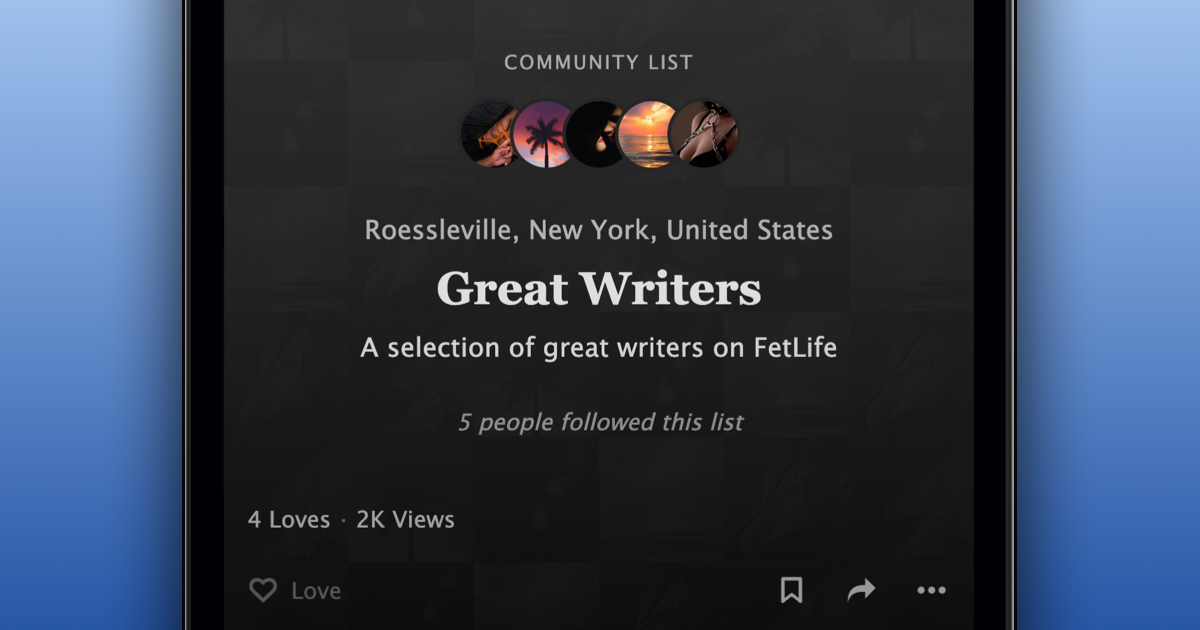
Community Lists now contain a counter indicating how many members have clicked “Follow All” for that list.
Get Notified When Someone Follows All
When someone presses the “Follow All” button on one of your Community Lists, you will now receive a notification about it.
View Counts
Community List creators can now see how many times their lists have been viewed.
A view is counted any time a member sees the list, whether it appears in the activity feed, on a profile, or in search results.
Anyone who prefers to not see view counts on their posts can disable them in the privacy settings.
Available to Everyone
We’re also excited to announce that Community Lists are now available to all members.
We’re looking forward to the Community Lists that you create and the many connections made through them.
Stay kinky, my friends!